
A ready-to-use event budget spreadsheet that calculates category totals, variance, and remaining budget. Register below to get your template for free

Budgeting an event is messy. Quotes come in over email, one vendor sends a revised number on WhatsApp, the venue goes up when you add an hour, catering goes up when the headcount moves and AV goes up on the day. None of it sits in one place, so nobody can say what the event actually costs right now.
That’s how events go over, not on one big line item, but on ten small increases spread over three months, each small enough to say yes to. By the time the invoices land together, the money is gone. An event budget template keeps every cost in one sheet from day one, so you can watch the total climb while you still have time to fix it.
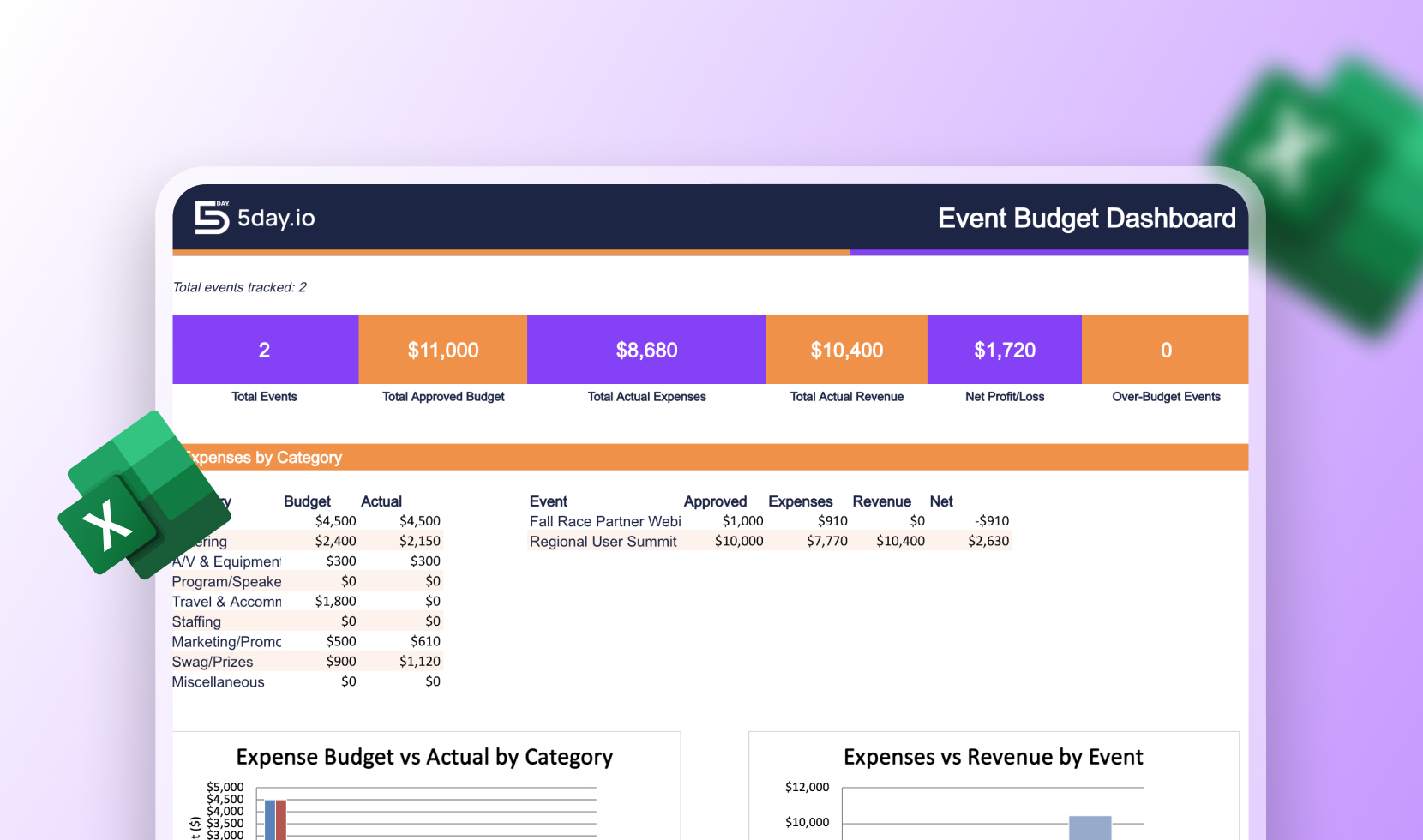
This event budget template is a free Excel sheet where you write down what you think each activity will cost, and then what it actually costs. Both numbers sit side by side. You add one row per expense for venue, food, AV, décor, marketing, staff, travel, permits – pick a category, add the vendor, the due date, and whether you’ve paid, with a spot for part-paid deposits. The rest happens on its own: category totals, budget vs. spent, how much is left, cost per guest, a contingency amount for surprises, and a flag on any category that goes over. You don’t write a single formula in this event budget spreadsheet, just type the numbers in.
Start by adding your total budget and how many people you’re expecting. Then fill in the estimate column, one row for every cost you can think of. Don’t worry about getting the numbers exactly right yet. Most events go over budget because something was left off the list completely, so list everything first, then fix the numbers. Set aside 10–15% as contingency. Make it more if it’s your first time running this event, or if it’s outdoors.
Once you start booking vendors and paying invoices, come back and fill in the actual column. Update the payment status as money goes out. This is the part that turns an event planning budget template into a real event budget tracker. You can see which categories still have room and which ones are eating into your buffer, while you still have time to shift things around. After the event, keep the sheet. It becomes your starting point for the next one, and your guesses get a lot better the second time.
An event budget template is a ready-made sheet where you list everything your event will cost, then track what you actually spend against it. Instead of building a spreadsheet from scratch, you get the categories and the math already set up.
Yes. It’s a free download, no payment details needed.
Yes, this is a free event budget template Excel download. No need to add any payment details. Enter your team’s info and it’s ready to use.
The usual big ones are venue, food and drinks, AV and production, décor, marketing, staff, travel, and permits or insurance. Add a contingency line on top of all that. The template already lists these categories, so you’re mostly filling in numbers rather than remembering what to include.
Around 10–15% of your total budget is a safe starting point. Go higher if it’s your first time running the event, if it’s outdoors, or if you’re working with vendors you haven’t used before.
Yes. Conferences, launches, fundraisers, team offsites – the categories work for all of them. You can rename or delete any you don’t need.
Yes. Once you download it, everything is editable. Add your own categories, change the currency, add columns, or delete anything you don’t use.
Both. You use it as an event budget planner template before the event when you’re estimating, and as an event budget tracker during it when you’re filling in real costs. The same sheet does both jobs.