Integration with Google drive makes task allocation and monitoring really easy. Ihave used multiple tool earlier like trello, notion, jira. 5day.io stands out with its clean and simple UI, and just the features we wanted for our projects.
Sumit Saxena
Founder | Merren.io
Integration with Google drive makes task allocation and monitoring really easy. Ihave used multiple tool earlier like trello, notion, jira. 5day.io stands out with its clean and simple UI, and just the features we wanted for our projects.
Sumit Saxena
Founder | Merren.io
Integration with Google drive makes task allocation and monitoring really easy. Ihave used multiple tool earlier like trello, notion, jira. 5day.io stands out with its clean and simple UI, and just the features we wanted for our projects.
Sumit Saxena
Founder | Merren.io
Loved by exceptional teams
How Content and Brand Management Is in 5day.io
Plan the work
Map every task in context to the brief
Every content request starts from a template, so scope, ownership, and deadlines are set before production begins. Output is consistent just as the process is.
Handoff the work
Track every piece from draft to done
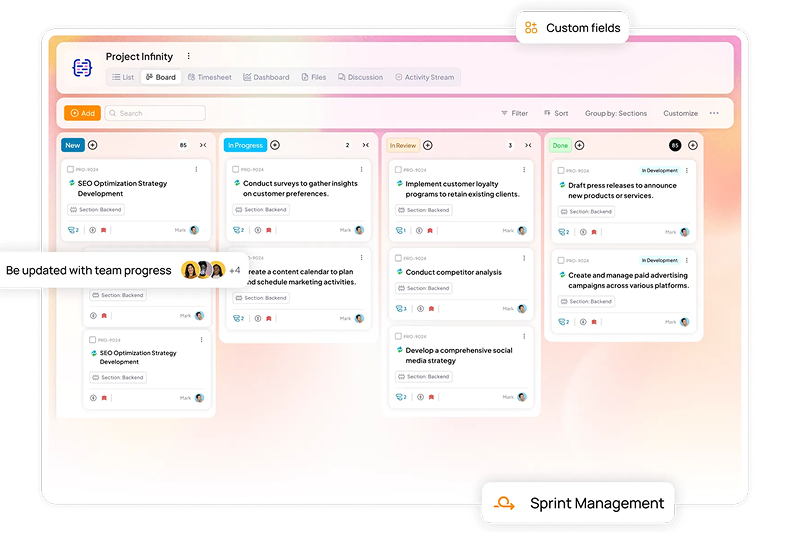
Work with the content, design, and brand stakeholders from the same calendar and see the same status. Leadership can see what is on track and what is at risk without requesting an update.
Approve the work
Give approval without a chase
Assign review and approvals at each stage to a named owner with anautomation workflow. Record decisions, and delays while spotting stalled content that has an unclear sign-off.
Publish the work
Templatize process to save effort
5day.io generates recurring workflows for a new cycle automatically, so the editorial cadence continues without manual rebuilding.
Project Management Software for Content and Brand Teams
How the process is without 5day.io
Content requests arrive randomly, so scope and deadlines are set inconsistently.
The content calendar is a spreadsheet maintained by hand, and it is out of date within days.
Approval chains are unclear. Content waits on sign-off with no visible owner.
Handoffs between teams depend on individuals remembering to pass work along.
You rebuild the editorial plan from scratch every month.
How the process works with 5day.io
Start all requests from a template, so scope, owner, and deadlines are defined before work starts.
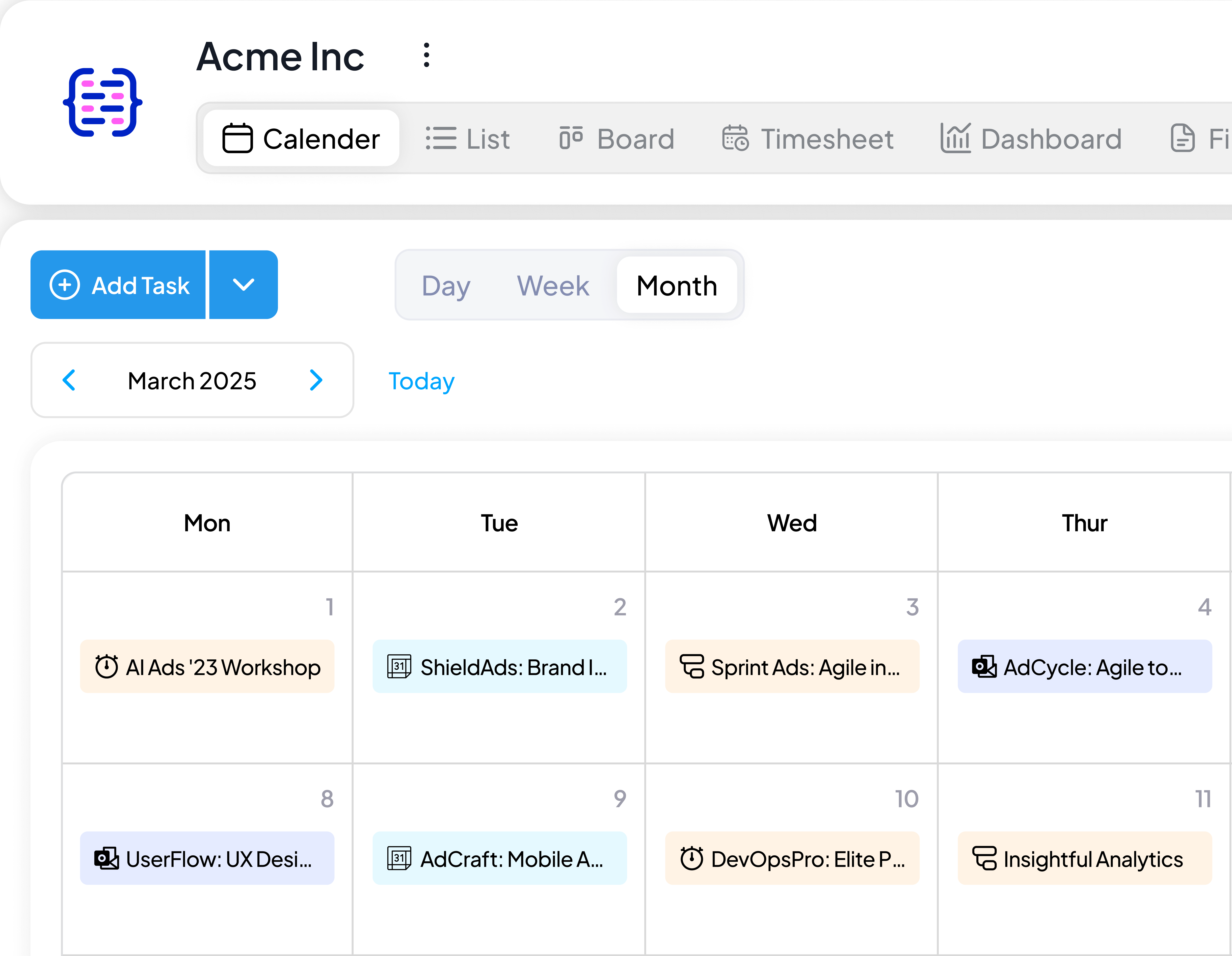
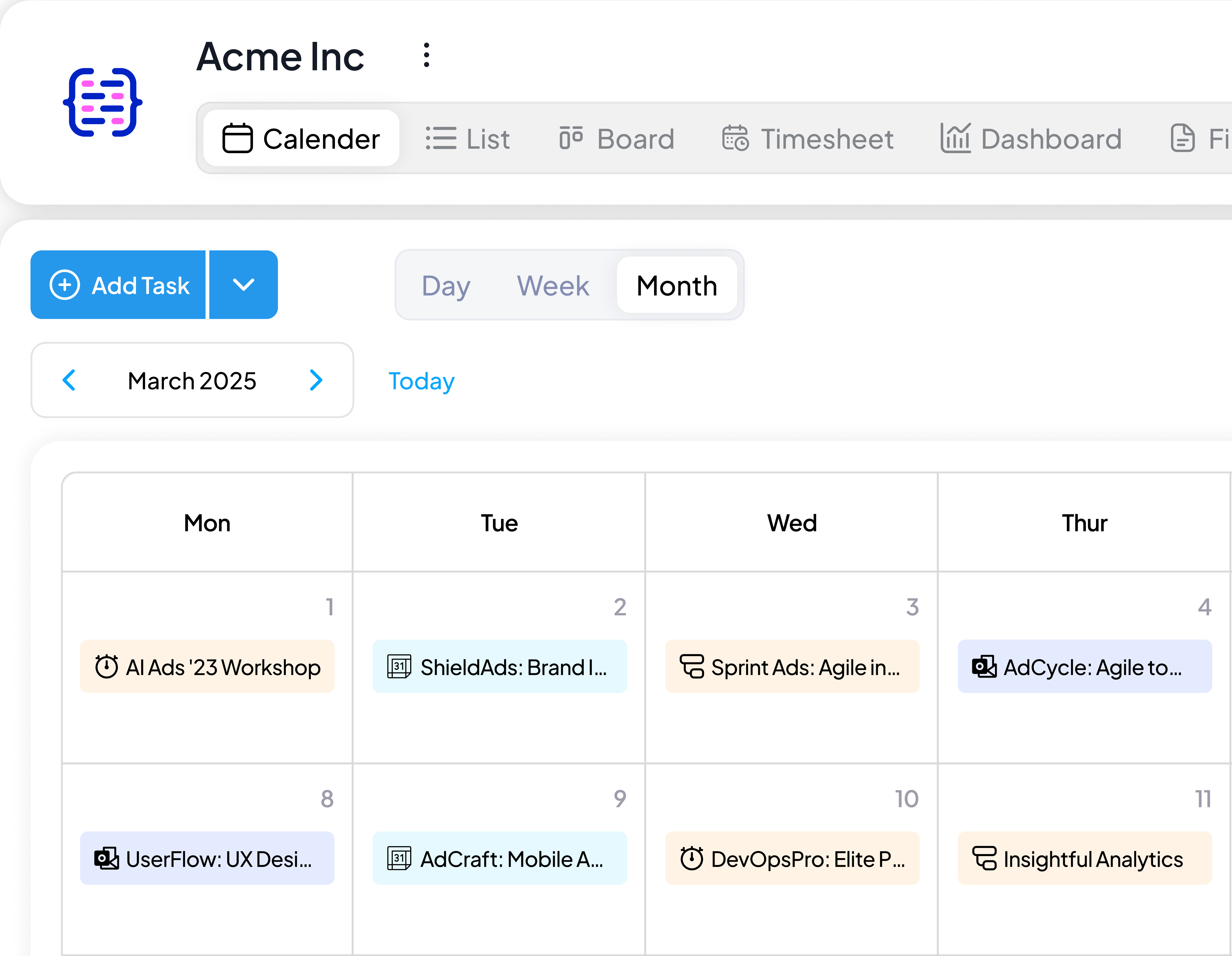
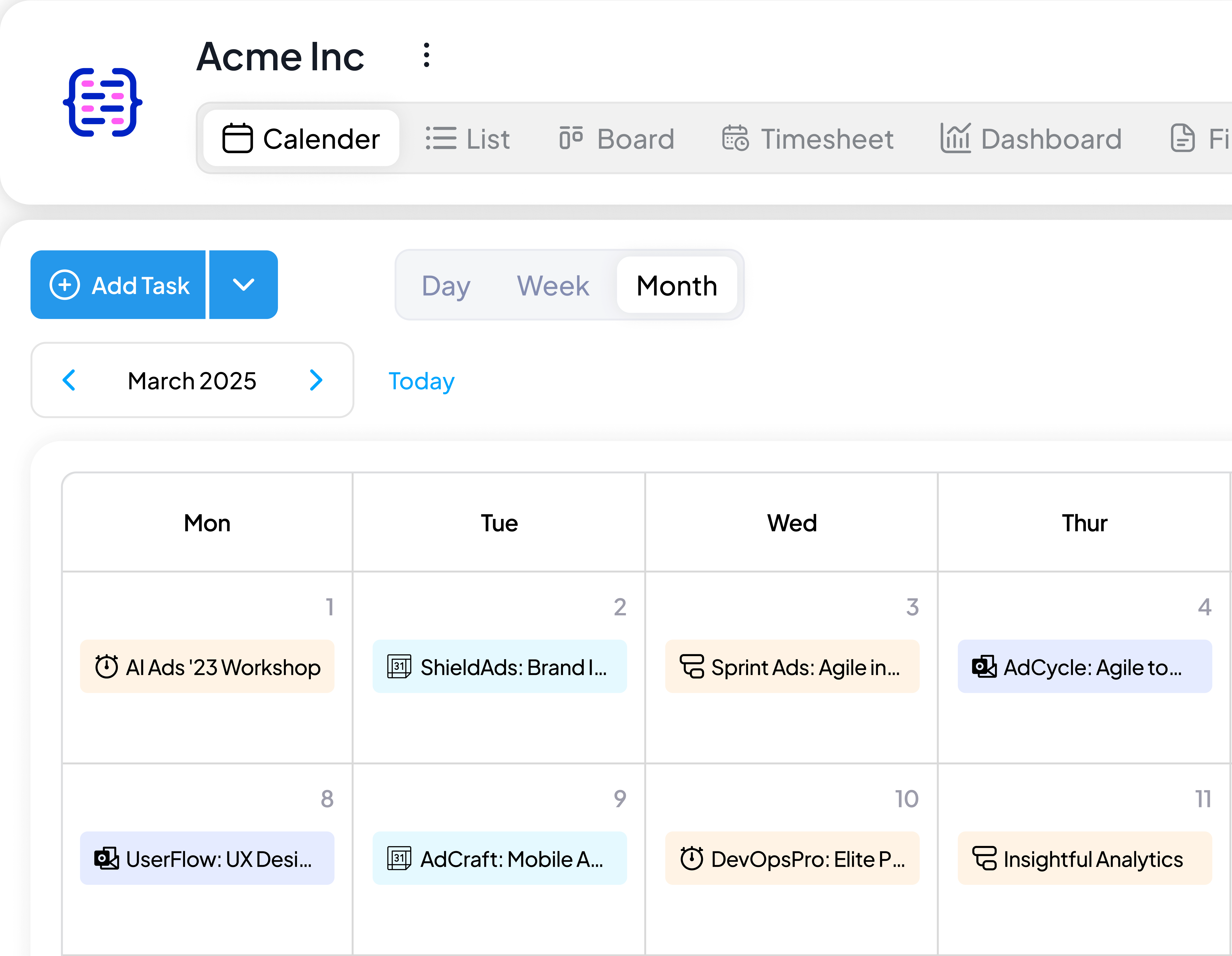
The content calendar is the live view of the tasks itself, so it reflects real time status of everything.
Each approval stage gets an owner and a due date for timely reviews.
Build handoffs into the workflow, so work moves to the next owner when a stage is complete.
Recurring workflows generate the next cycle automatically to continue the cadence without rework.
Specifically for Content and Brand Teams
All the features below support how content and brand teams plan, review, and publish.
Content calendar view
Plan and track all content on one calendar. Publish dates, owners, priorities, and status are visible in the same view.
Content and channel specific templates
Standardize briefs and production checklists across different marketing channels with pre-built, customizable templates.
Workflow automation
Automate routine steps in the content process by building multi conditional workflows, so progress does not depend on manual follow-up.
Recurring editorial cycles
Build workflows in a way that when one month’s calendar wraps up, the next month’s workflow is generated automatically.
Capacity and reporting
See workload across writers, designers, editors, and managers, and report on progress. Plan based on available capacity.
Custom roles & permissions
Set exactly what every person can view and edit down to every single project and task. Give them the full context needed for their work and nothing more.
Automatic reminders
Set automatic nudges before task deadlines and pending approvals. Build a workflow once to trigger the nudge every single time.
We got integrations with the best tools
We thought you might have questions
So we answered them all
What is content management workflow software?
Content and brand project management software manages the full path of content. From planning, production, and review to approval, and publishing. It gives content and brand teams shared visibility into what is in progress, who owns each stage, and when each piece is due.
How does 5day.io help manage a content calendar?
The content calendar view shows publish dates, owners, priorities, and status in one place. It reflects the work itself, so the calendar stays current without manual updates.
Can we set up approval workflows for content review?
Yes. You can assign approval and review workflows at each stage once you build it in 5day.io. Since it’s a brand content management platform, you can set up approvals for external clients and members as well.
Can we automate our recurring editorial cycle?
Yes. Recurring workflows generate the next cycle automatically when the current one ends. A monthly editorial plan does not need to be rebuilt each month.
How is 5day.io different from general-purpose project management software?
5day.io is aproject management software for content and brand teams, so its workflows and its AI are designed around marketing work. General-purpose tools apply the same structure to every function, and their AI mostly surfaces information. ACE produces marketing work using the context of your project.
Let's get your
team onboarded
Try all the premium 5day.io features free
for 30 days. No credit card needed.