

Strategy is aspirational. Implementation is operational.
One defines vision and the other determines results.
Too often, marketing teams invest heavily in planning and underinvest in execution. The outcome is the same, a reactive coordination instead of controlled delivery.
A structured project implementation plan changes that. It builds a system around the work so campaigns move with discipline.In this article, we’ll see how to create a project execution plan that supports real marketing execution. We’ll also discuss common mistakes to avoid when implementing the plan without burning your resources.
What is a project implementation plan?
A project implementation plan is a detailed roadmap for turning strategy into reality. It outlines the steps your team will take to achieve campaign goals, including tasks, milestones, resources, roles, and deadlines.
Think of it as a focused version of the overall project plan. Rather than covering every detail of strategy, it concentrates on the project rollout plan phase. It lists deliverables and timelines, assigns responsibility for each task, and includes risk and communication plans.
In other words, it answers – how will we finish this? – for each strategic objective.
This plan ensures that the team can answer how they will achieve the said goals. By documenting these details, the plan removes ambiguity and gives the team a shared and safe implementation roadmap for success.
Now that you know what is a project implementation plan, let’s find out why it’s important.
Why is a project implementation plan critical for success?
Without a solid plan, marketing projects often veer off track. In fact, marketing campaigns commonly fail not for lack of ideas but for lack of execution control.
A structured implementation plan in project management is critical because it prevents chaos and wasted effort. Harvard research shows that only 35% of PMs worldwide can complete projects that meet scope and budget. These numbers hint at the persistent execution challenges across industries.
A plan brings clarity and accountability. By defining deliverables and owners up front, every team member knows what they need to do. This clarity is vital for multi-channel campaigns.
For example, a product launch may involve email, social ads, influencer outreach, PR, and web updates. And teams may handle all of these with different deadlines and stakeholders. A launch project management implementation plan lays out each workstream and timeline so that all participants know what to expect. It also sets up checkpoints (milestones) for stakeholder reviews.
Plus, a good implementation plan builds risk management and feedback loops. Marketing is fast-moving, so including contingency buffers keeps projects resilient.
Most projects that fail cite budget overruns or scope slip as causes. Anticipating these in your plan, by, say, adding 10–20% time or budget cushions, can save the campaign.
A good plan also helps you prove ROI. When teams can track every task and deadlines, you can show leadership that marketing efforts are on schedule and tied to business metrics.
Essential components of a project implementation plan
When teams find project implementation planning complex, they usually skip defining critical pieces at the start. Often, teams leave ownership unclear or risks vaguely discussed. Those gaps stay quiet at first, then resurface as missed deadlines and avoidable rework.
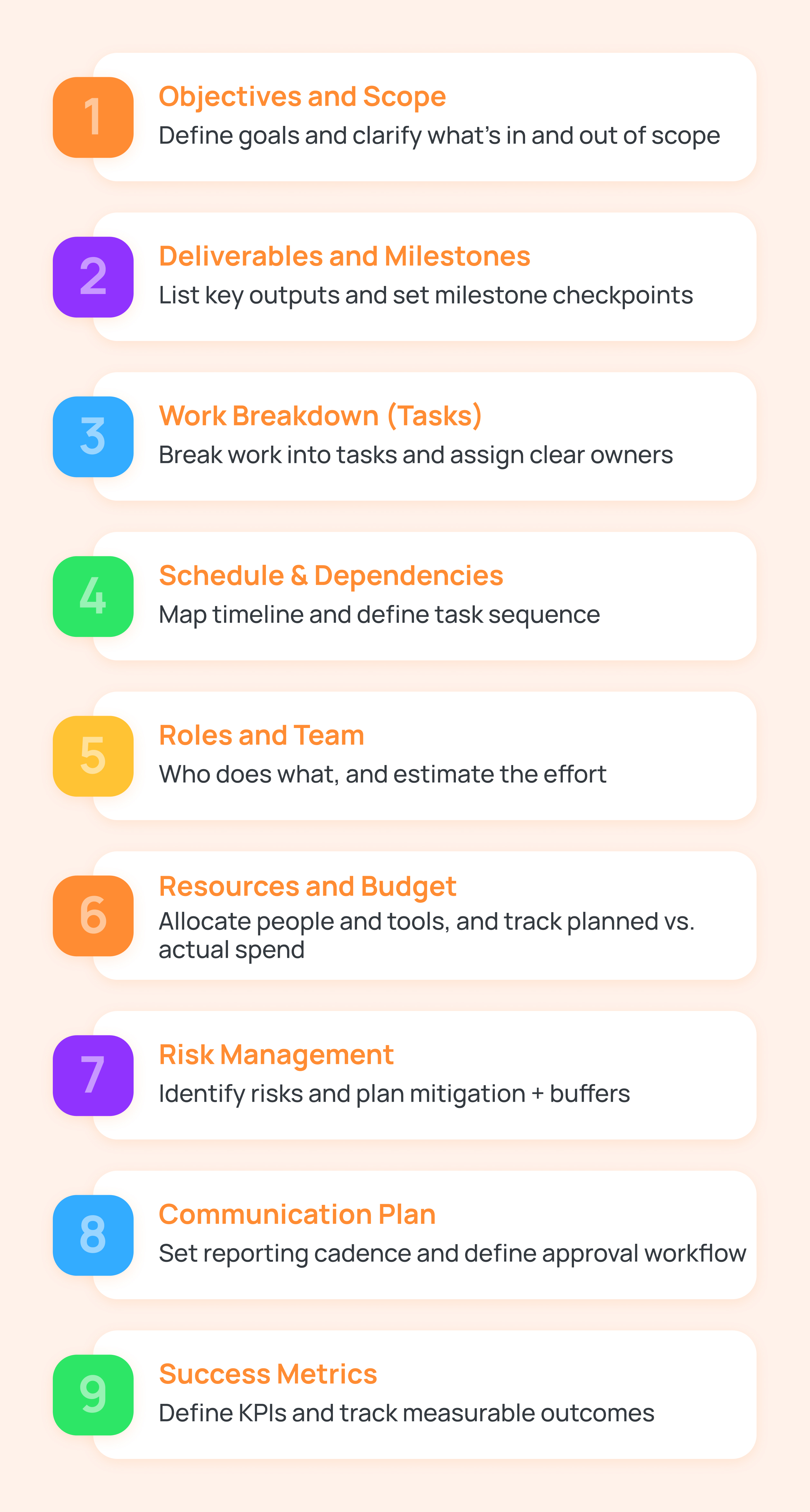
That’s why teams need a complete implementation plan to close those gaps early by defining key components. These include:
Objectives and scope
Clearly state the project’s goals and what it will (and will not) cover. This prevents scope creep by documenting exactly what the campaign is meant to achieve. Say, defining the scope as an increase in sign-ups by 20% or building brand awareness in a new market.
Deliverables and milestones
List major outputs, like assets, events, deliverables, and when they’re due.
For example, milestones for a rebrand could be the final logo design approved or the launch press release published. Each milestone becomes a progress checkpoint.
Work breakdown (tasks)
Break deliverables into concrete tasks like to-dos and assign owners. Use a work breakdown structure (WBS) or task list so every team member knows their responsibilities.
For a campaign, tasks might include designing an email template or setting up tracking code.
Schedule and dependencies
Build a timeline (often a calendar) that links tasks and milestones. Define task dependencies upfront. Finalize branding guidelines before starting social ad design.
Clear sequencing keeps the implementation plan grounded in reality.
Roles and team
Define who does what. Assign each task to a person or role and estimate effort. This includes both internal team members and any external vendors.
Knowing who’s on point helps avoid confusion during execution.
Resources and budget
Specify the resources needed for execution, your team, tools, media spend, etc., and estimated costs.
Track planned vs. actual spending to catch overruns early. Budgeting everything from ad spend to agency fees prevents surprises.
Risk management
List potential risks, such as regulatory delays, venue cancellation, software outage, and mitigation plans.
A risk register ensures you won’t be caught off guard if something goes wrong. Schedule slack time in high-risk tasks.
Communication plan
Define how the team will report progress and update stakeholders. Set a clear reporting cadence, such as daily check-ins, weekly reviews, executive summaries, and structured approval checkpoints.
This clear communication plan approach keeps everyone aligned and accountable throughout execution.
Success metrics
Tie tasks to measurable outcomes, so that you can track impact. Define key performance indicators (KPIs) for the campaign up front, and plan where they will be recorded, for example, custom fields for CPL or ROI in your project tool.
How to create a project implementation plan?
Strategy answers why. Project implementation planning must answer how, who, and when. That shift requires breaking high-level goals into structured, accountable work. Without the translation steps to create a project implementation plan, even well-aligned projects drift.
Here’s how to create a project implementation plan for marketing teams:
Confirm strategy and secure buy-in
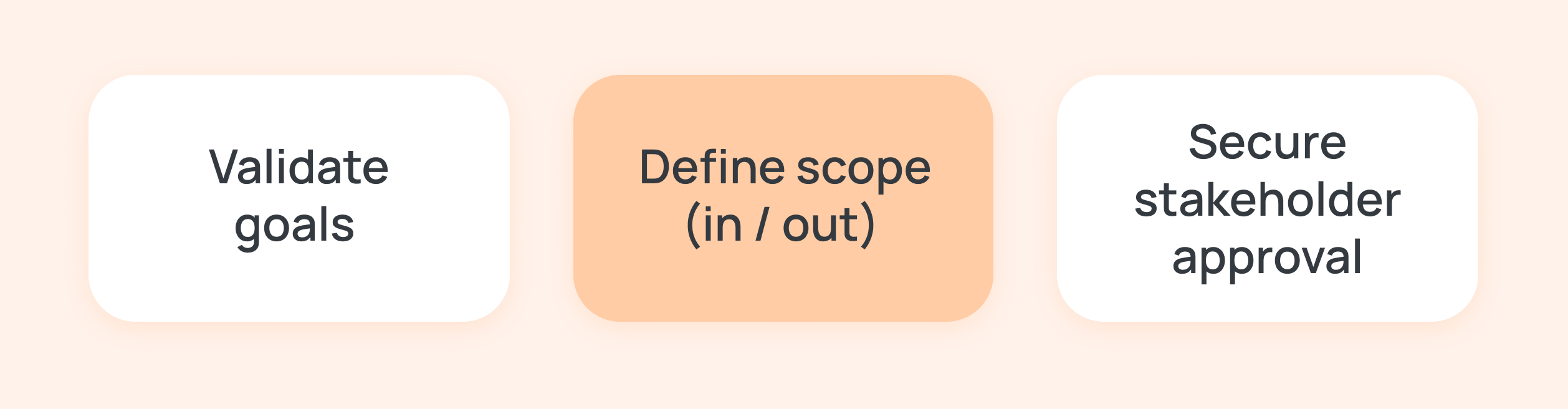
Begin by reviewing the campaign project implementation strategy and objectives. Validate why the project is happening and make sure stakeholders, such as the marketing lead, sales, legal, etc., agree on the goals.
Document the project’s scope and success metrics early. This scope statement should define in writing what’s in and out of scope. Clear objectives (often set with SMART criteria) and executive buy-in at this stage to prevent mid-project pivots.
Break down deliverables and tasks
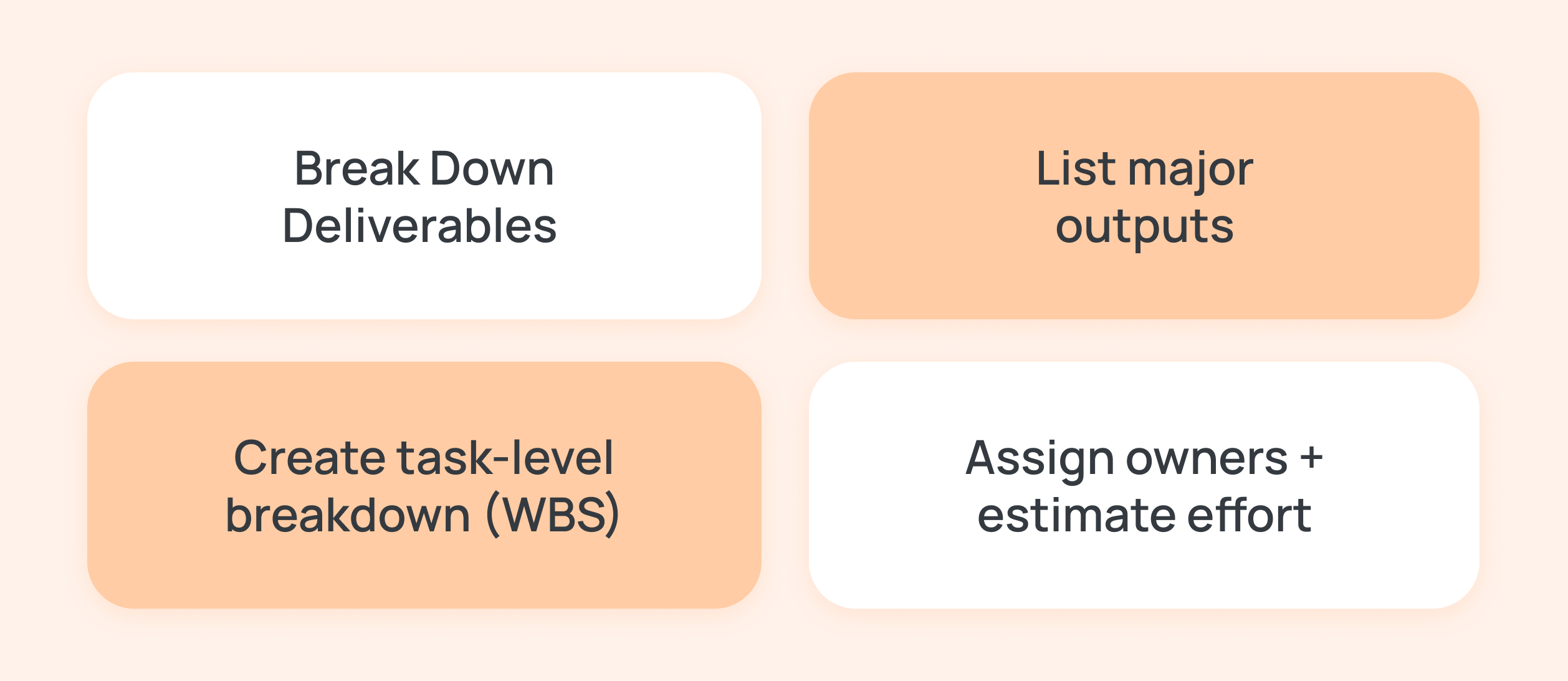
With the strategic frame set, decompose the work into a WBS of deliverables and tasks. Start from high-level campaign components, such as content, design, distribution, QA, and drill down.
For example, a product launch WBS might include product photography, an email drip campaign, and a launch event. Teams can further break each of these into tasks.
Assign each task to a team member and estimate effort. Use the 8/80 rule, which means tasks should be at least 8 hours of work but no more than 80 hours.
Modern project management software for marketing industry often cover WBS templates to ensure teams stay in sync.
Allocate resources and capacity
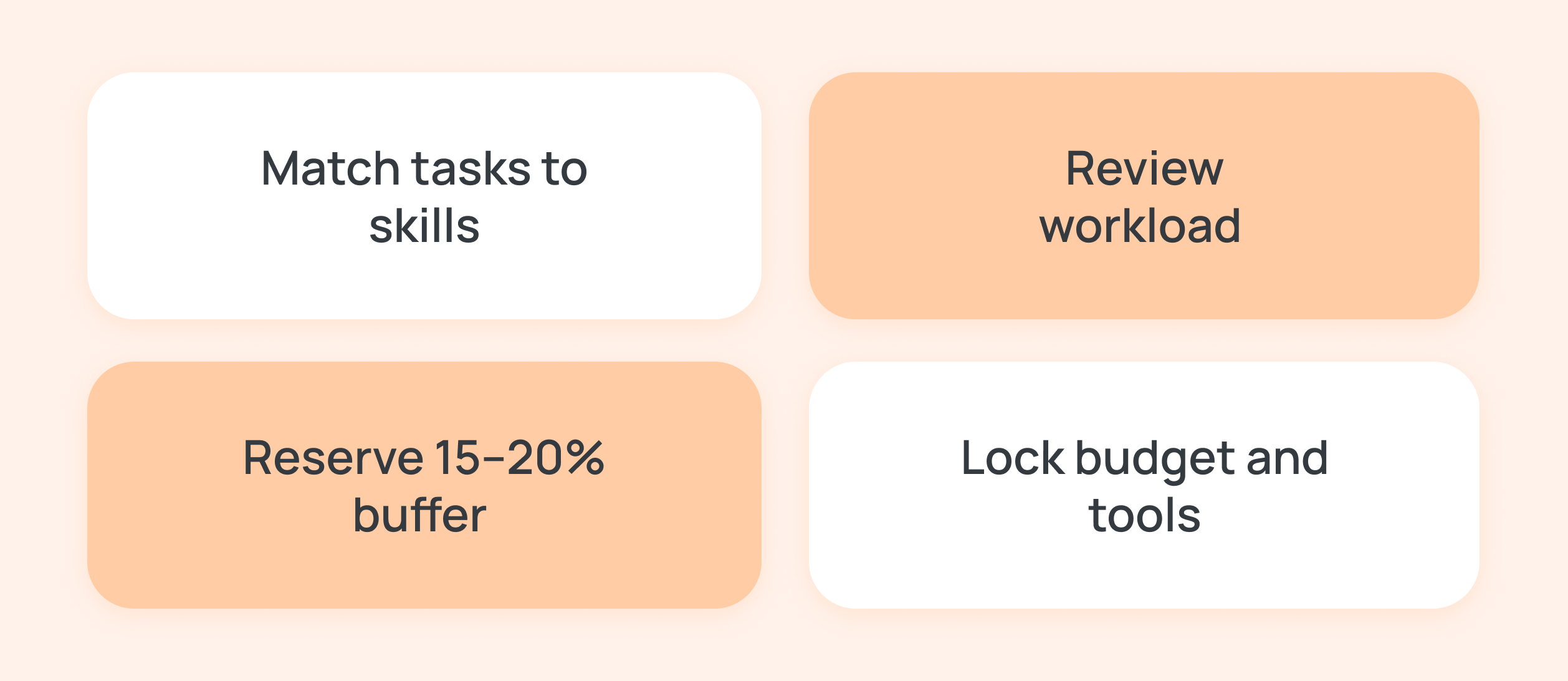
After listing tasks, assign them to the right people and secure the required resources. Review each team member’s workload before committing.
Aim to keep individuals at around 80% capacity and leave a 15–20% buffer for unexpected work. This prevents burnout and protects deadlines when surprises arise.
Match tasks to skill levels. Avoid assigning advanced video editing to someone who is still learning the basics. Adjust assignments early rather than fixing quality issues later.
Confirm that the budget and tools are in place. Secure creative software licenses, ad spend, production support, or external vendors before execution begins. Locking budget and resources early ensures the team does not pause mid-project due to missing approvals or funding.
Build the schedule and dependencies
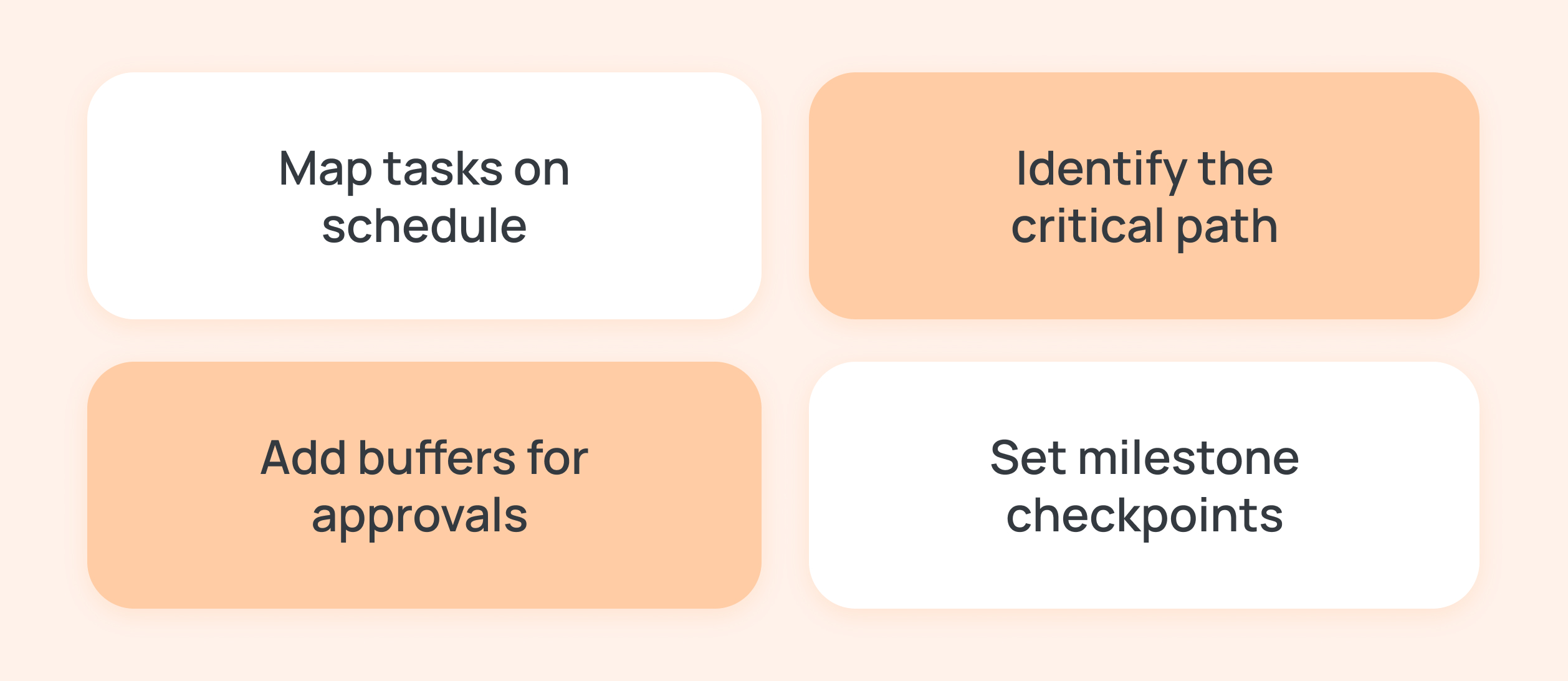
Map all tasks onto a timeline. Identify the sequence and any critical path (the chain of tasks that determines the project’s minimum duration). Set realistic durations and dates for each milestone.
Insert buffers for external dependencies, for instance, allow extra days if legal review or client approval is pending. Establish key checkpoints, maybe weekly reviews, or a pre-launch sign-off meeting.
Stress-test the plan
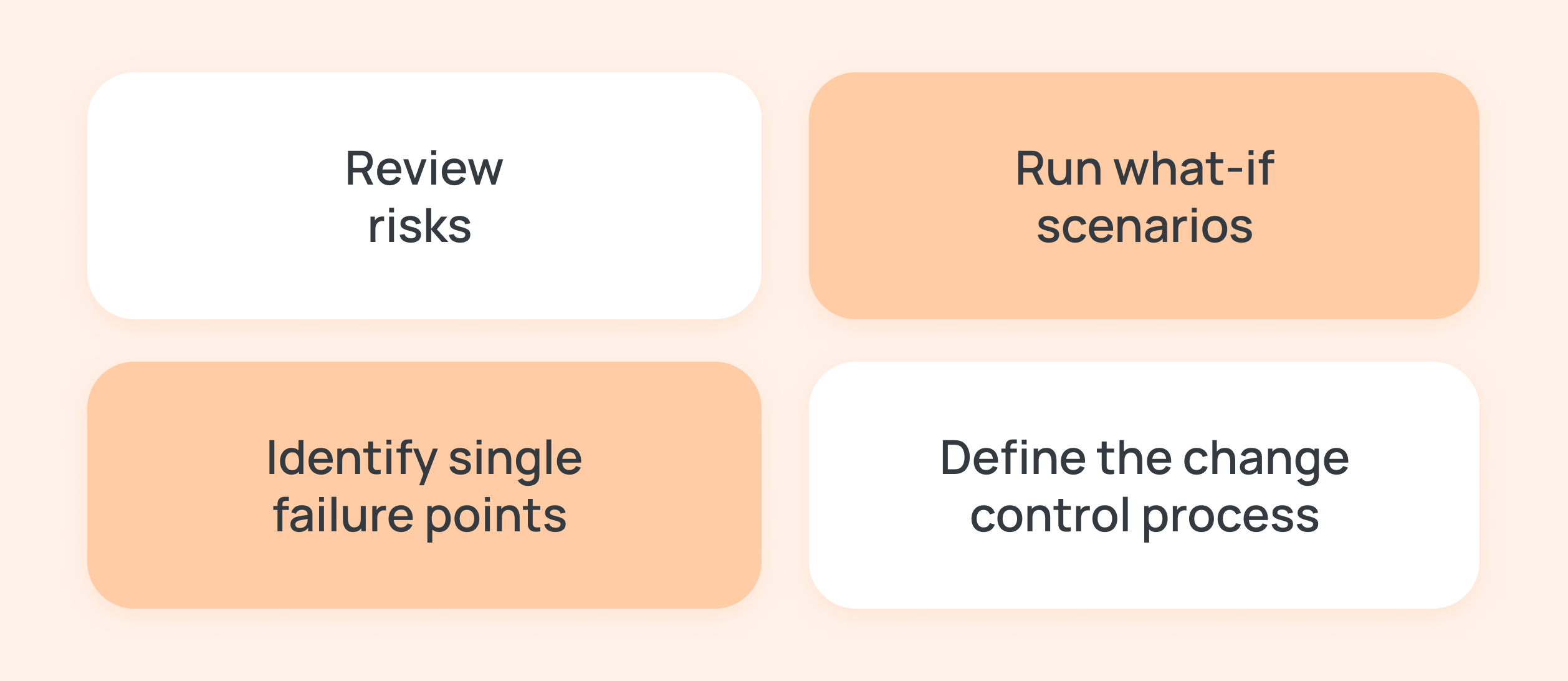
Before committing, review the plan critically. Check the risk register again. For example, if influencer content often gets delayed, schedule the influencer review earlier in the timeline.
Simulate the critical path and check for any single points of failure. Many project managers include a ‘what-if’ run-through. If possible, have a peer or sponsor review the plan for gaps.
This is also the time to lock in change control. So, define how your team will handle new requests. See if any scope changes must go through a documented approval process.
The more you stress-test now, the fewer surprises later. Avoid skipping these steps, as it can be the difference between a rigid plan and a realistic one.
Set communication and review protocols
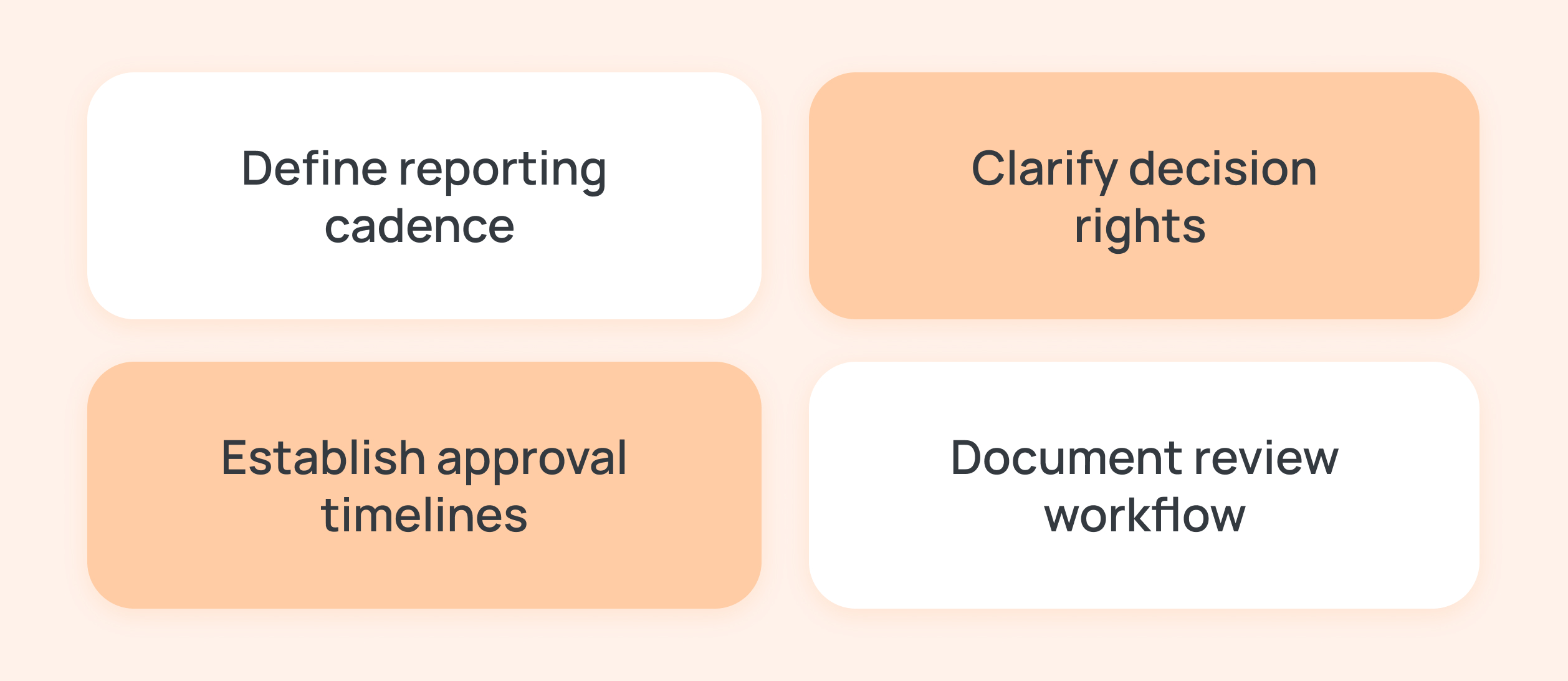
Finally, detail how the team communicates during execution. Establish regular status check-ins and how the team will share the updates via email or live dashboards.
Define a reporting frequency for each stakeholder group. Clarify decision-making roles, say who can approve creative changes, who handles budget tweaks, etc.
Document these in the plan, so everyone knows the process. For instance, you might set a 24-hour review rule for content. If the team doesn’t receive the feedback within a day, assume approval to keep on schedule.
Marketing teams often juggle speed versus quality, or creativity versus consistency. If a last-minute brand guideline change crops up, you may apply it to future campaigns rather than derail the current schedule (you can decide that before launch). Document such decisions in the plan.
Common mistakes to avoid during project implementation along with steps to fix them
Implementation puts pressure on every weak assumption in a plan. As work moves, teams can see ambiguity quickly. Teams that understand where friction typically appears can manage it instead of reacting to it.
Let’s see what the most common mistakes to avoid during project implementation planning are.
Skipping a clear scope or requirements
Without a defined scope, marketing projects often suffer scope creep. New requests keep sneaking in, and no one agrees on what’s in or out.
Here’s the Fix:
Always start with a signed-off brief or project charter. Document in-scope and out-of-scope deliverables to stop endless expansions.
Weak review and approval workflow
Marketing reviews can drag on forever if roles aren’t clear, say three managers commenting on the same draft email. A lack of structured approvals causes delays.
Here’s the Fix:
Set review stages, such as draft → team review → client/legal review → final, with time limits. Tag reviewers explicitly in the tool and lock versions after each stage.
Fragmented tool stack
Working with email threads, spreadsheets, assets, and multiple apps leads to confusion. For instance, designers in one tool and writers in another create silos.
Here’s the Fix:
Use a single work management software like 5day.io where possible. Keep briefs, tasks, assets, and feedback in one place. Integrations (linking Google Docs or asset libraries) can help avoid duplication.
Overcommitting your team
It’s common to squeeze every employee at 100% capacity. Yet marketing is unpredictable, and urgent pivots happen quite often. But overloaded teams lead to burnout and missing deadlines.
Here’s the Fix:
Factor in ~15% buffer time for everyone. Block that off for unexpected tasks, like last-minute ad hoc social posts. If bandwidth is tight, push back or re-prioritize the scope.
Neglecting the budget plan
Campaigns love to grow legs, and the budget can blow out quietly. In fact, budget overruns often derail most of the projects.
Here’s the Fix:
Assign a cost estimate to each task, like vendor fees or ad spend. Track planned vs. actual spend continuously. If actuals surge, catch it early and adjust the scope or seek more funds.
Treating the plan as static
Some teams write a plan once and forget it. This is risky as things change when least expected. That’s why the plan must be a living document.
Here’s the Fix:
Schedule regular audits, as convenient, say weekly or bi-weekly, to compare actual progress with the plan. Update task statuses, reassign tasks when people finish early or fall behind, and re-calculate timelines. This keeps the software implementation project plan realistic.
Forgoing change control
In the absence of formal processes, any urgent request can derail the plan. It results in ad-hoc shifts that silently kill deadlines.
Here’s the Fix:
Create a simple change request process. Record each change and assess its impact on the project management triangle. Then, get approval before proceeding. This governance rail protects the plan’s integrity.
The best tools that support effective project implementation
Effective marketing project management brings all work into one unified place. Modern PM software provides a single workspace to plan and track tasks, using visual tools, like Kanban boards and timelines.
These tools centralize project data so teams can see everything in one place. Here’s a list of tools that support effective project implementation.
Task planning and tracking
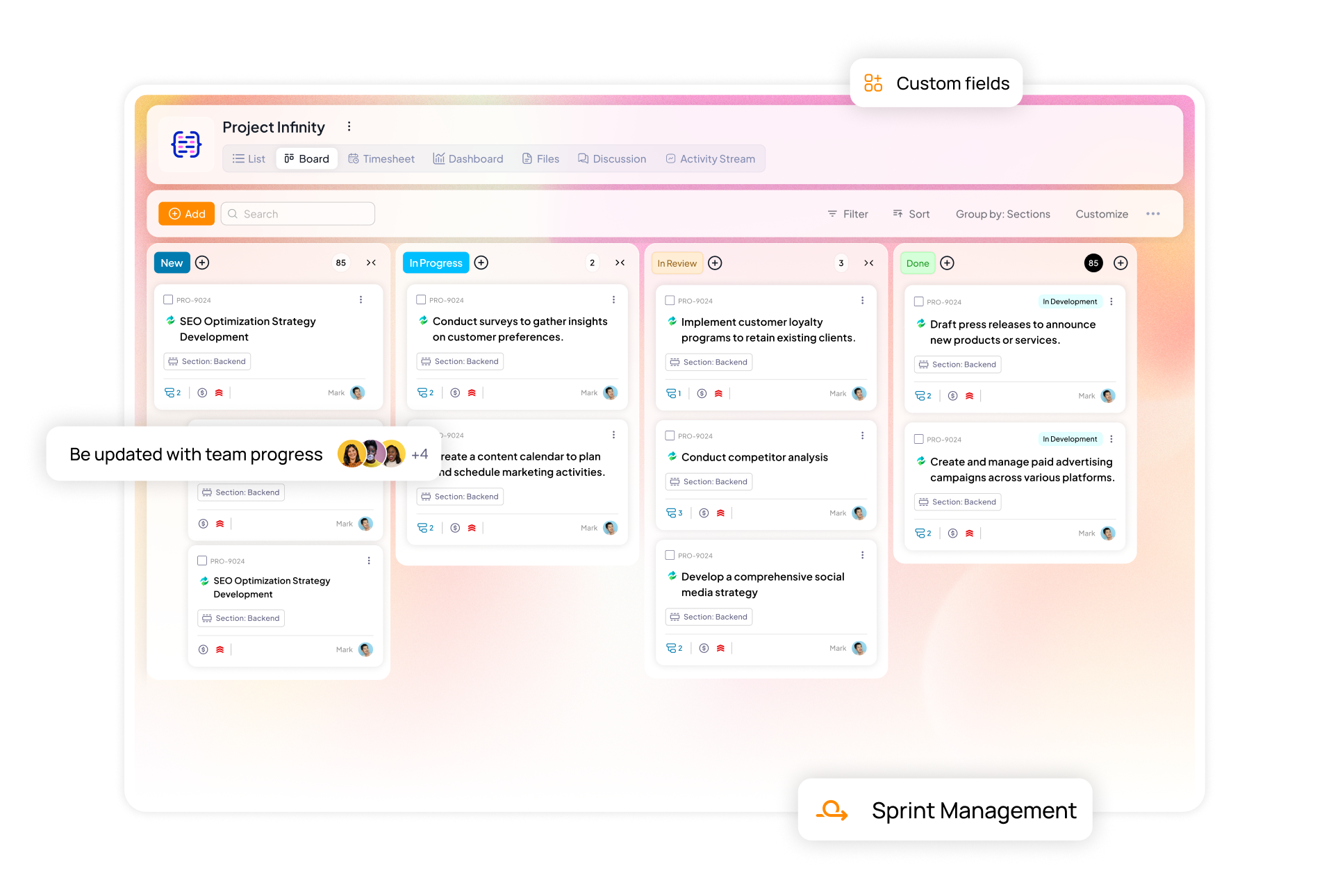
Marketing team project management platform, like 5day.io, lets you create tasks with clear deadlines and dependencies. Features, such as Kanban or list views, show work-in-progress by status. This ensures everyone knows who is doing what and when.
Further, built-in alerts and milestone tracking notify teams of upcoming deadlines or risks, preventing surprises.
Collaboration and communication
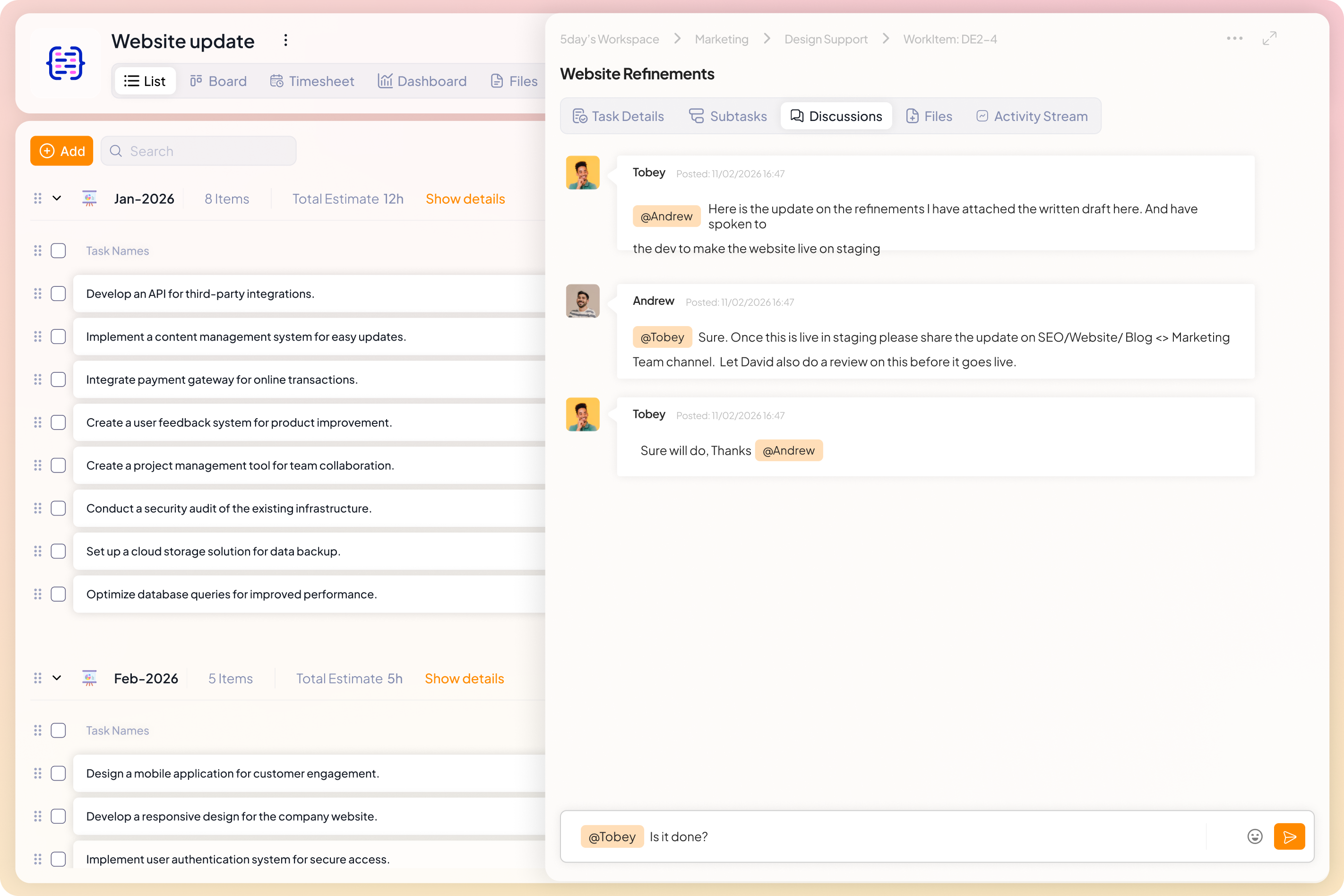
Look for software that brings team conversations into tasks. Many platforms integrate with chat apps (Slack, Microsoft Teams) so people can create, discuss, and update tasks right from their messaging tool.
For example, 5day.io connects to Slack and Teams, meaning updates and reminders appear in the chat channel.
Built-in comments and mentions keep feedback in context. This real-time collaboration keeps the whole team aligned without flipping through separate chats or emails.
File sharing and documentation
Effective tools link documents directly to tasks. Integration with cloud storage (Google Drive, OneDrive, etc.) lets you attach assets and reports to the relevant project item.
In the 5day.io project management software, for instance, you can add files from Google Drive or OneDrive to any task. Everyone on the project sees the latest version of each file, removing the hassle of hunting through email or file folders.
Dashboards and reporting
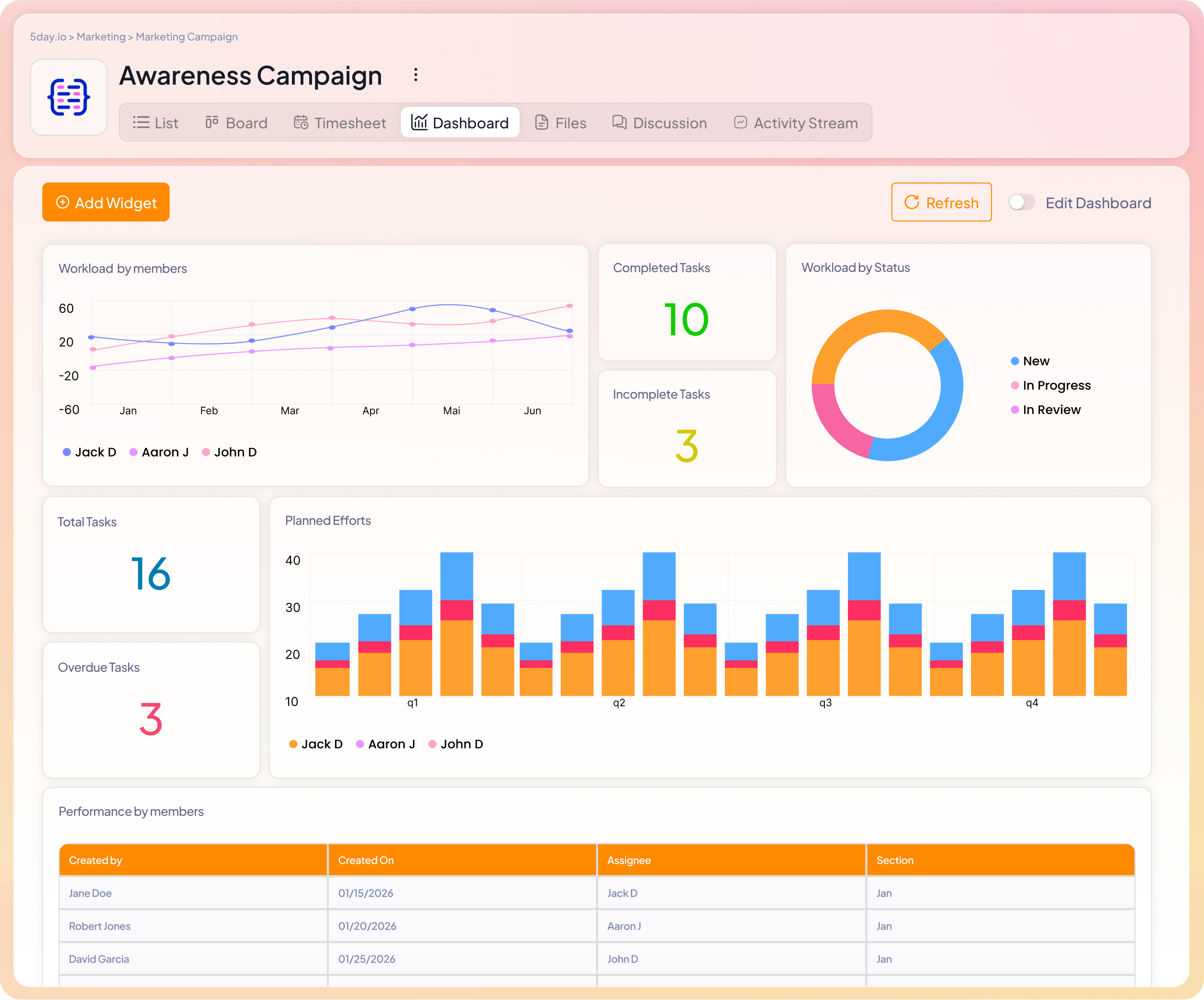
Live dashboards give stakeholders instant visibility into project status. The best tools offer customizable reports and analytics, so managers can monitor progress and team workload in one view.
For example, integrated dashboards aggregate task completion and budget vs. actual at a glance, enabling data-driven decisions. Many platforms also include built-in time tracking and workload charts, helping teams optimize resource allocation and catch bottlenecks early.
Workflow automation
Look for automation that handles routine processes. Automated recurring assignments and approval workflows keep projects moving without manual nagging.
For example, you can auto-request a review when a task reaches a stage and send notifications on overdue items. This functionality means less time spent following up and more time delivering value.
Templates and best practices
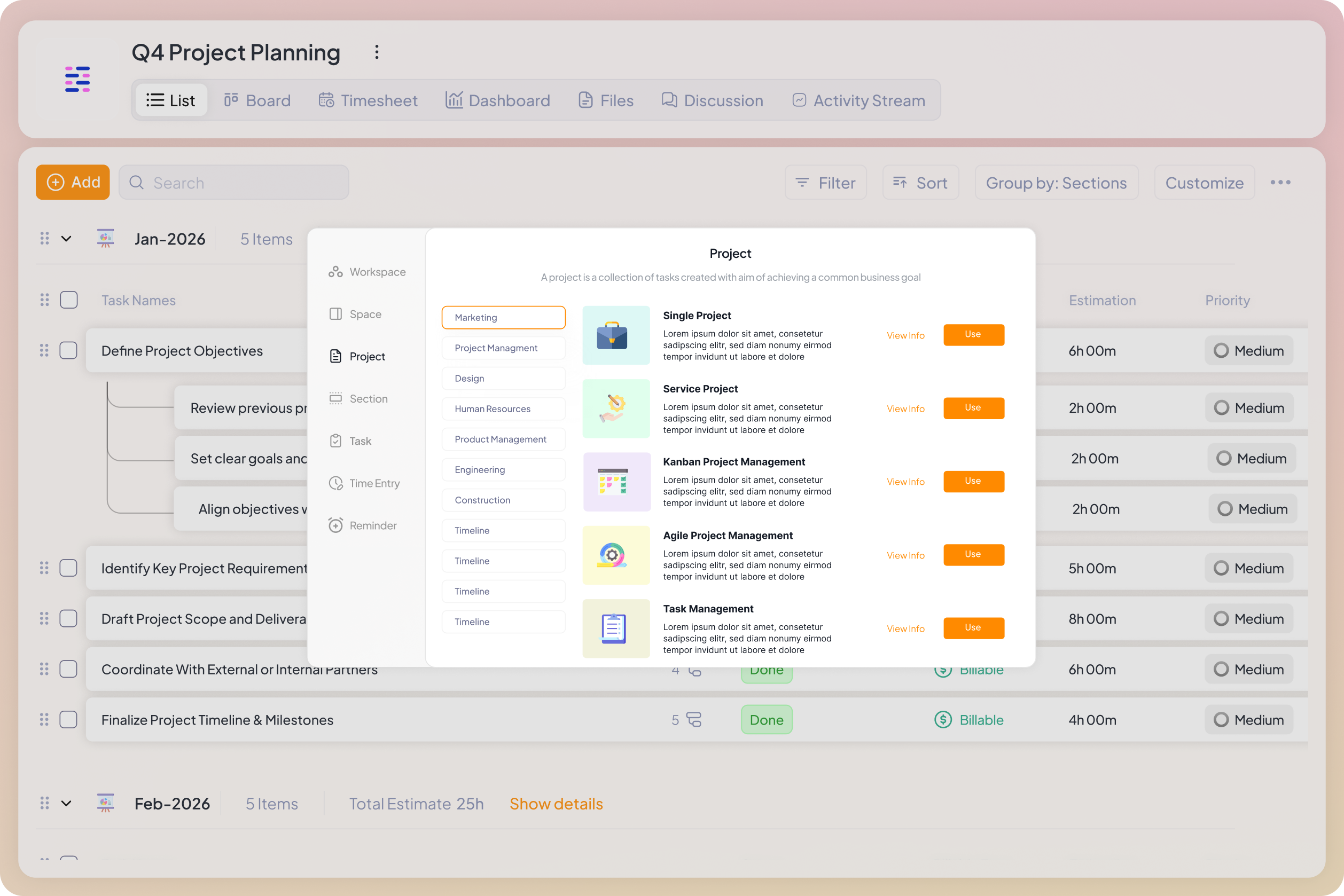
Pre-built project templates save setup time and ensure consistency. Instead of starting from scratch, many tools come with ready-made templates for common scenarios, such as content calendars, campaign planning, and sprint cycles.
5day.io, for example, offers pre-configured templates for different marketing campaigns, so teams can launch new projects quickly and not forget key steps. Templates capture your organization’s best practices as you grow.
Security and permissions
Finally, control who sees what. Robust permission settings let you give clients or stakeholders read-only access or restrict sensitive areas to managers only. 5day.io lets you customize views and roles, so each user sees only the information they should.
How does 5day.io support teams in creating a project implementation plan?
A project implementation plan is only as strong as the environment in which it runs. You can define scope, map dependencies, assign owners, and forecast risk. But if the system managing the work cannot support those decisions, the plan weakens under pressure.
5day.io offers the capabilities to support execution at that level.
Instead of treating implementation as a checklist, it gives teams a control layer across campaigns. Leaders can use the 5day.io project management tool for marketing teams to:
- See how multiple projects compete for the same people and adjust before deadlines slip
- Track milestone health without waiting for manual status reports
- Launch projects faster with built-in marketing templates that standardize best practices
- Control visibility with customizable roles and permissions so the right people see the right information
- Compare planned timelines against actual movement to spot delivery risk early
- Standardize approval paths and change control without slowing down creative flow
This shifts the focus from checking status to spotting risks early, before they impact delivery.
For marketing teams managing cross-functional launches or agency portfolios, that visibility matters. Implementation becomes measurable, not reactive. As a result, leaders can make decisions based on timing and performance signals.
If your team is ready to treat project implementation planning as an operational advantage rather than documentation, run your next campaign inside 5day.io. No credit card required.