Time Tracking Software for Marketing

Track time. Improve utilization. Protect margins.

Record billable and non-billable work alongside marketing tasks to eliminate revenue leakage and increase profitability.

30 days trial | No credit card needed

Time tracking in 5day.io

Loved by exceptional teams

Make time tracking part of the marketing workflow

Capture billable hours directly within tasks and projects so nothing is forgotten or manually reconciled later.

Log time across multiple projects in minutes

Automatically remind teams to submit records before billing

See hours by client projects or team members

Track time directly inside tasks on web or mobile

Create guardrails for accurate time reporting

Establish overtime rules, submission limits, and approval workflows to avoid inaccurate billing.

Time approval in 5day.io

Configure overtime based on your client’s project requirements to record tracking accurately

Enforce minimum and maximum hour limits to prevent under-reporting or inflated entries

Align time tracking with leave and holiday policies to automatically account for non-working days in reporting

Control when time can be logged to allow entries only for active projects or defined working days

Protect revenue with structured approvals

Manage tracking, submission and approvals for your team whenever needed with employee time management software

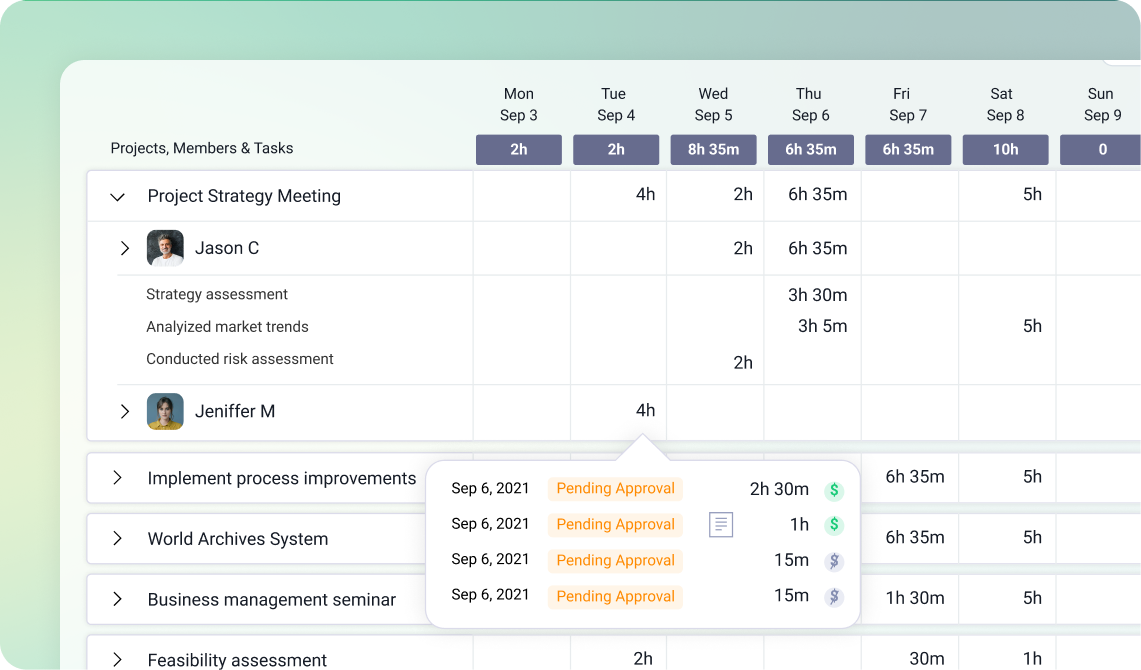
Review and approve time entries before billing. Edit or reject inaccurate logs to prevent revenue leakage

Generate campaign-level time reports instantly. See where hours are going across projects and teams

Monitor billable vs non-billable utilization to understand team efficiency and identify over-servicing early

Automate submission reminders to reduce delays and ensure timesheets are ready before invoicing cycles

Time tracking in 5day.io works best with features like

Time estimation

Estimate how much time a task will take in days or hours, so you can track it against actual efforts.

Time Submission and Approval

Maintain a record of all the time spent based on projects or overall effort with our quick submission and approval process.

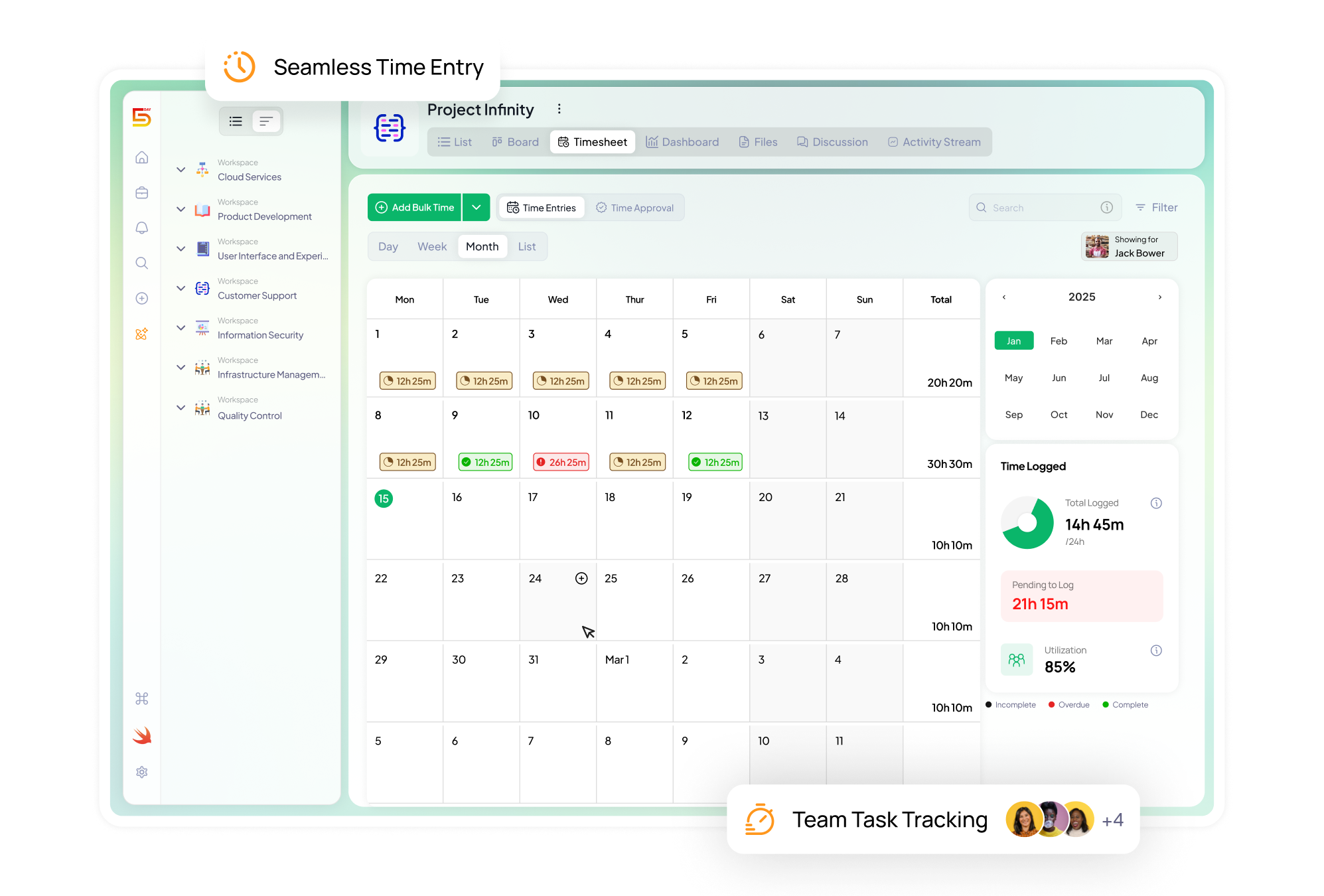
Timesheet view

See your team’s timesheet in multiple views like Day, Week, Month and List view.

Timesheet Reports

Generate detailed reports on time spent by members across projects for better analysis, estimations and invoices.

Frequently asked questions

Everything you need to know about Timesheet Management on 5day.io

Is the software for time tracking available for all 5day.io plans?

Yes, time tracking tool is a free feature available across all plans in 5day.io. All the users can track time against their tasks for accurate and quick entries.   

There are three major ways to track time using our free employee time tracking tool. You can use an auto timer, a manual time entry feature or add bulk time entries. 

Achieving objectives and hitting milestones is a big part of completing projects successfully. A time tracking tool helps you look into the detailed picture of how your team is spending their time and make informed decisions.  

One of the most basic yet important things to consider while selecting an employee time tracking software is how it combines with your project management tool. It is important that it seamlessly integrates with your tech stack. Here, a tool like 5day.io shines as it has native timesheet capabilities along with project and task management, giving you a complete, powerful solution