

Monday.com is a Work OS. That’s the whole pitch. It’s a blank, highly visual canvas that can be configured to run almost any kind of work, from sales pipelines to manufacturing logistics to marketing campaigns.
That flexibility is also the reason you’re reading this. I’m sure, you’ve spent real hours building boards, automations, and dashboards to make it behave like a marketing tool, and you’re wondering whether a platform built for marketing from the start would save you that setup tax.
Most alternatives round-ups treat this as a generic project management comparison; ten tools, the same eight criteria, regardless of who’s buying.
So in this, I won’t do that.
I’ve evaluated ten best Monday.com alternatives against criteria specific to how marketing teams and agencies operate, and scored each on a Marketing Team Fit Score out of ten.
It’s a compass for the decision you can make rather than a verdict on it. I am also not going to pretend switching is always the answer. If staying on Monday.com is right for your team, you’ll know that by the end of this too.
Whether you’re searching for platforms like Monday.com, or specifically a marketing agency project management tool, this guide is for you.
Why Do Marketing Teams Leave Monday.com?
Monday.com’s own reviewers are consistent on this point, it’s a cool tool on the market to adopt, and one of the more expensive ones to configure into something marketing-specific.
Here are the six reasons marketing teams and agencies start evaluating alternatives.
Seat pricing rounds up
Source: Reddit
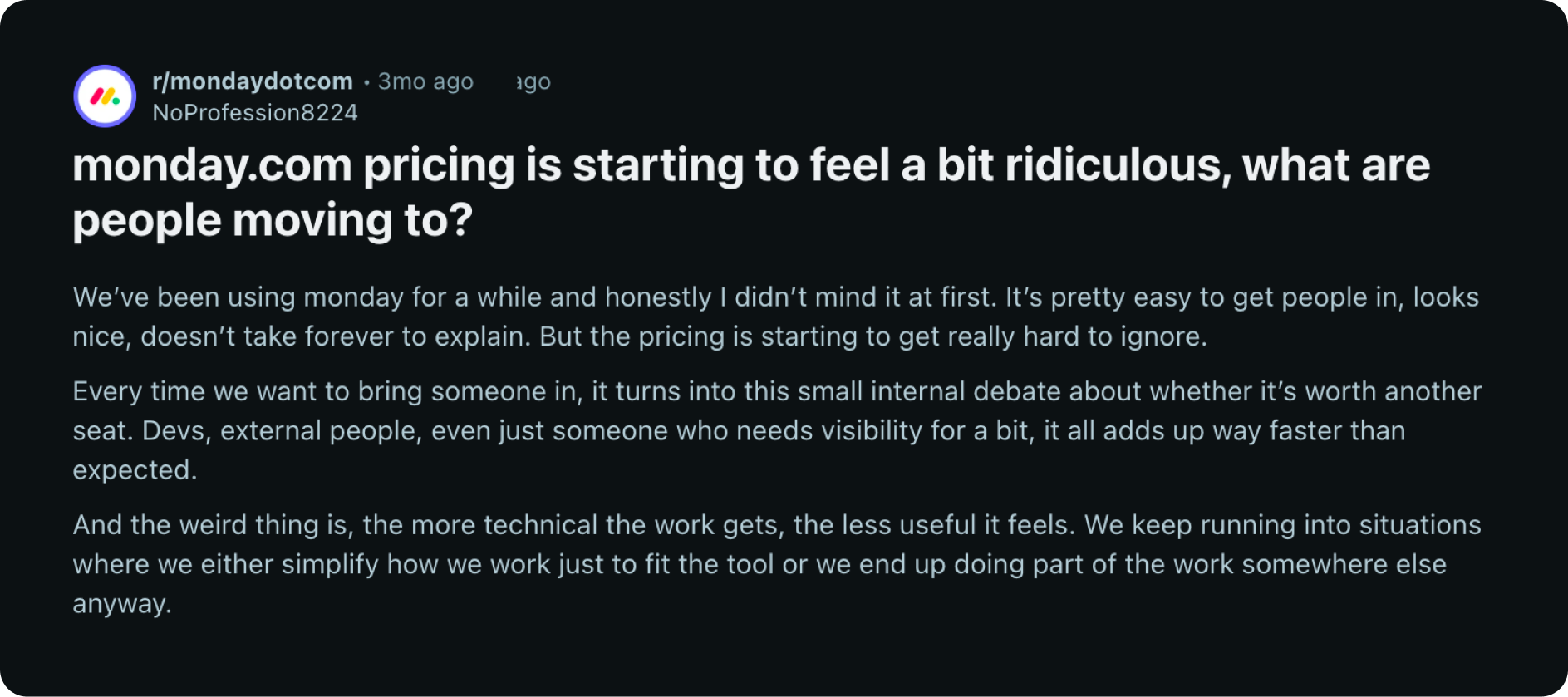
Paid plans require a 3-seat minimum, and seats sell in fixed buckets of 3, 5, 10, 15. A six-person team is billed for ten seats. A four-person team buys five. The list price of $9–$19 per seat looks reasonable until the bucket math shows up on the invoice.
The features marketing teams want sit behind Standard or Pro
Timeline view, calendar view, guest access, and automations are absent from the entry-level Basic plan. Most teams don’t discover this until they’ve already signed up expecting a working content calendar out of the box.
AI usage is billed separately from seats
Monday.com’s AI credits are metered and purchased on top of your per-seat cost. Teams that lean on AI features for campaign planning or content drafting can watch that line item grow independently of headcount.
It’s a blank canvas
Monday.com doesn’t ship with a content calendar, campaign structure, or channel/format tagging. Marketing teams build these themselves with custom columns, boards, and automations, which means onboarding a new hire means onboarding them into your configuration of Monday.com instead of the product itself.
Automations are capped and tier-gated
The Standard plan caps automations per month; teams that lean on automation to reduce manual status updates hit that ceiling and are pushed to Pro to keep the workflow running.
Reporting and dashboards take real setup time
Multiple independent reviews describe the same pattern, dashboards are powerful once built, but “once built” is doing a lot of work in that sentence. Teams without a dedicated admin spend real hours getting reporting to reflect how a marketing team measures campaigns.
What to Look for in Alternatives to Monday.com (Marketing-Specific Criteria)
We are not going through the same eight generic criteria: ease of use, pricing, integrations, support. For a marketing team replacing Monday.com, that list misses what actually matters day to day.
We evaluated these alternatives against criteria built around marketing workflows specifically:
- Native content calendar and campaign structure
- Marketing stack integrations (HubSpot, GA4, SEMrush, social scheduling tools)
- Setup effort required before the tool is usable for marketing work
- Client/stakeholder visibility and approval workflows
- AI features built for marketing execution, not generic productivity
- Pricing at 10 users, including hidden per-seat traps
- Onboarding time for new hires
- Reporting depth on marketing-relevant metrics (campaign status, content velocity, retainer delivery)
Quick Comparison: Best Monday.com Alternatives for Marketing
The Best Monday.com Alternatives for Marketing Teams
5day.io
Fit Score: 9.3/10
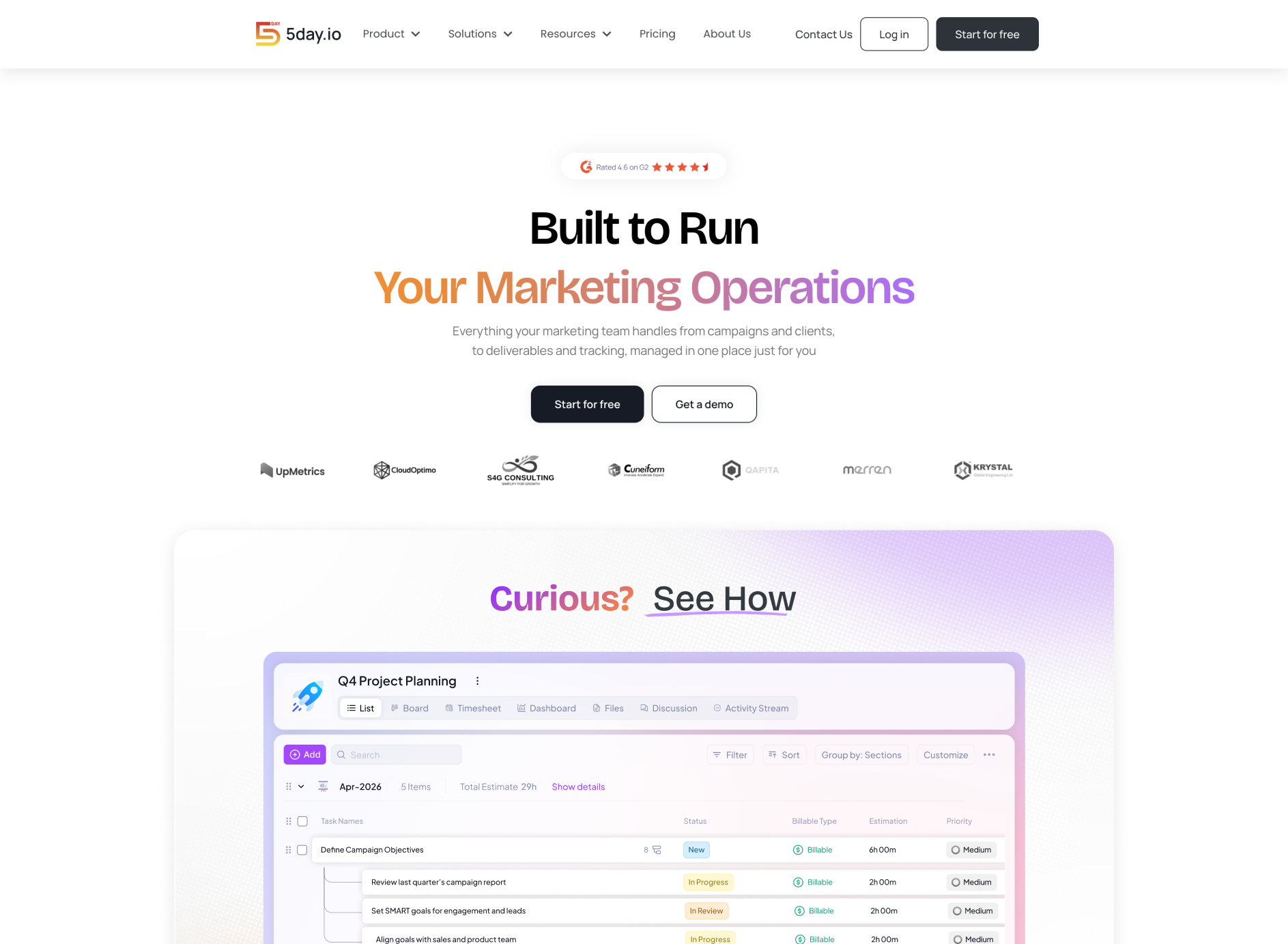
5day.io is a marketing operations platform built specifically for marketing functions for both agencies and in-house teams. It isn’t a general Work OS adapted for marketing; the content calendar, campaign structure, and retainer cycles are a structural part of the product.
That’s the core distinction from Monday.com. Monday.com gives you the building blocks, boards, columns, automations, and expects you to assemble them into a marketing workflow. 5day.io starts from the marketing workflow. This makes it one of the top monday.com alternatives for marketing teams and agencies.
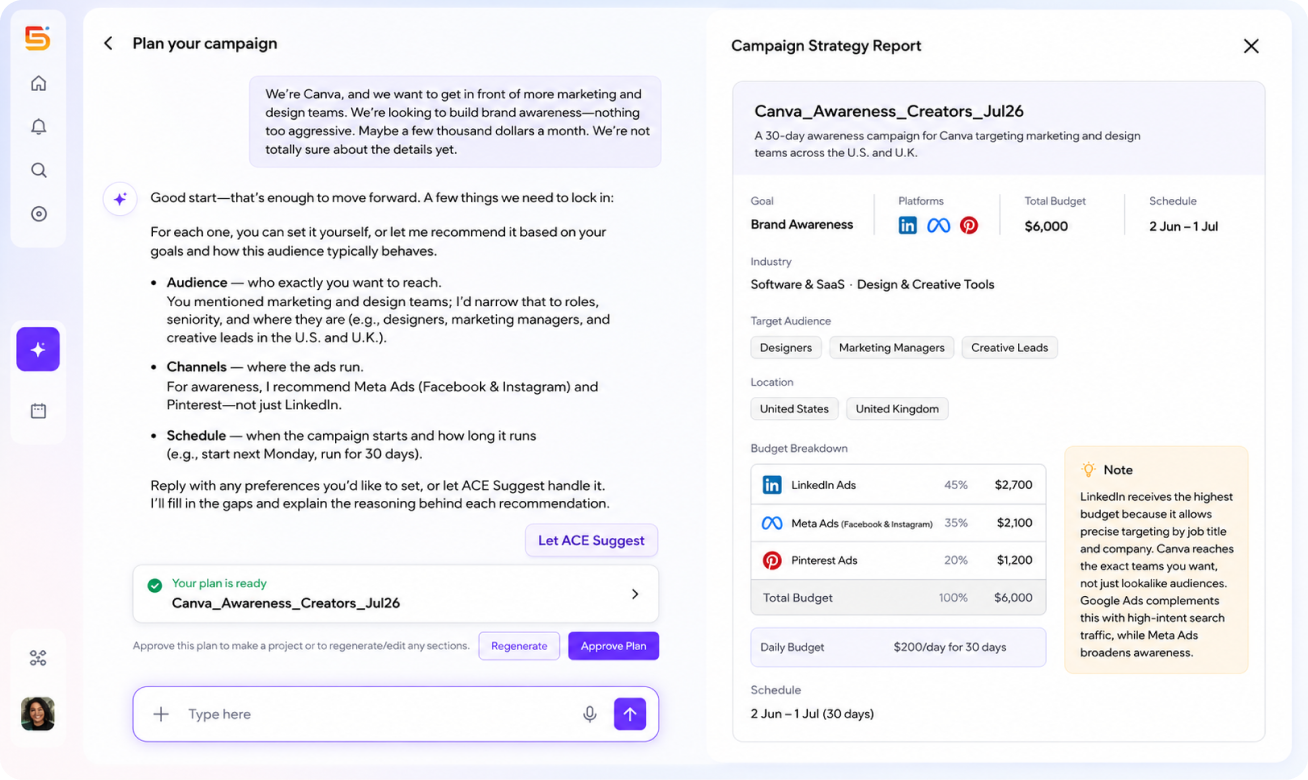
Key features for marketing teams:
- Content calendar and campaign views (list, board, timeline, calendar) built for publishing workflows out of the box
- Tasks carry channel, format, and campaign tags in all templates, without the custom-column setup Monday.com requires to replicate the same structure
- Sprint management for retainer clients, with sprint boards, backlog, and velocity tracking mapped to monthly delivery cycles
- Native timesheet with billable/non-billable tracking synced to campaigns and tasks
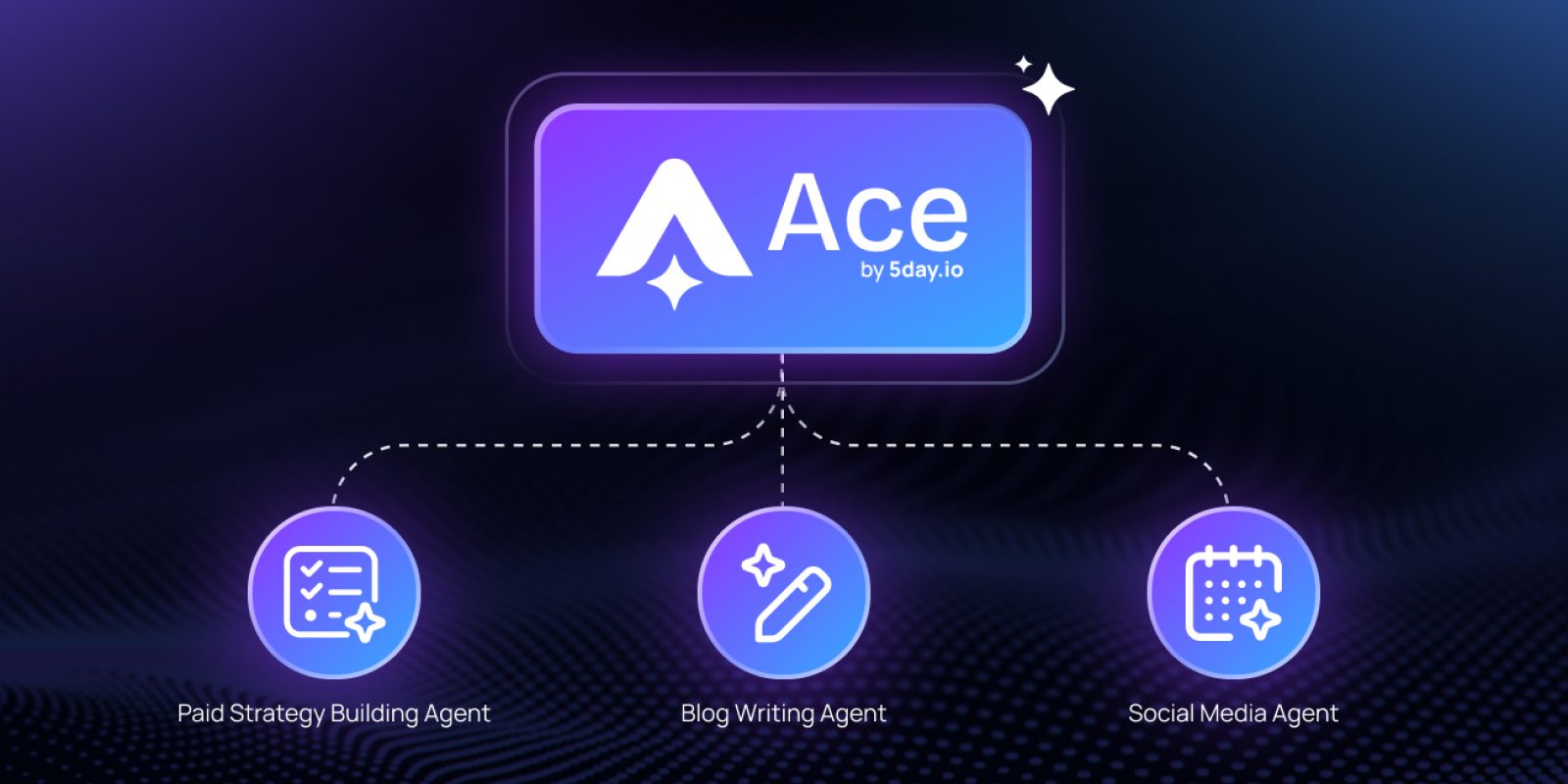
- ACE AI, a contextual AI agent ecosystem tuned for marketing paid campaigns, that suggests contextual strategy, execution timeline and also creates projects for the same

What does 5day.io replace from Monday.com?
Campaign and content planning, client visibility, marketing-native task structure, and the setup time Monday.com requires to approximate the same thing.
Where does 5day.io fall short?
Monday.com’s broader flexibility, sales pipelines, dev workflows, HR processes, isn’t 5day.io’s focus. If your team needs one tool to run marketing and several unrelated departments, Monday.com’s general-purpose design has an edge.
2026 pricing:
Plan | Price |
Starter | $0 (up to 5 users, 1 workspace, 5 projects) |
Growth | $9.99/user/month |
Scale | $15.99/user/month |
Enterprise | Custom |
G2 rating: 4.5/5
Reviewers highlight ease of use, time tracking, and all-in-one project management; the most common request is deeper integrations with niche marketing tools.
ClickUp
Fit Score: 8.3/10
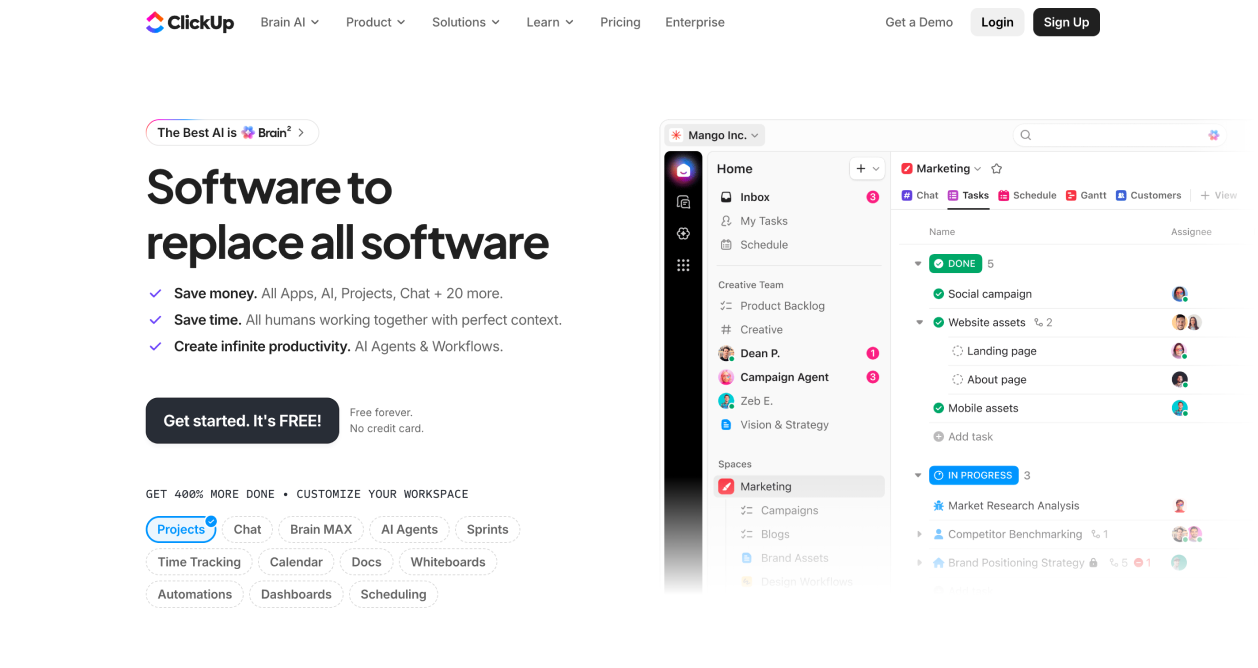
ClickUp’s pitch to Monday.com switchers is direct: comparable flexibility, a genuinely usable free tier, and pricing that doesn’t round up in seat buckets.
Key features for marketing teams:
- Unlimited users and tasks on the free plan, a real option for small teams priced out of Monday.com’s bucket structure
- List, board, calendar, Gantt, and workload views without plan-tier gating
- ClickUp AI drafts task descriptions, campaign updates, and meeting notes
- Guest access for stakeholders without a paid seat
Where it falls short: ClickUp’s content-calendar structure comes from templates, not a native marketing data model, teams still configure channel and campaign context manually, similar to Monday.com. The depth of the platform is also its learning curve; new hires take longer to ramp than on simpler tools.
2026 pricing: Free ($0, unlimited users/tasks) · Unlimited $7/user/mo · Business $12/user/mo · Enterprise custom.
G2 rating: 4.6/5
Asana
Fit Score: 8/10
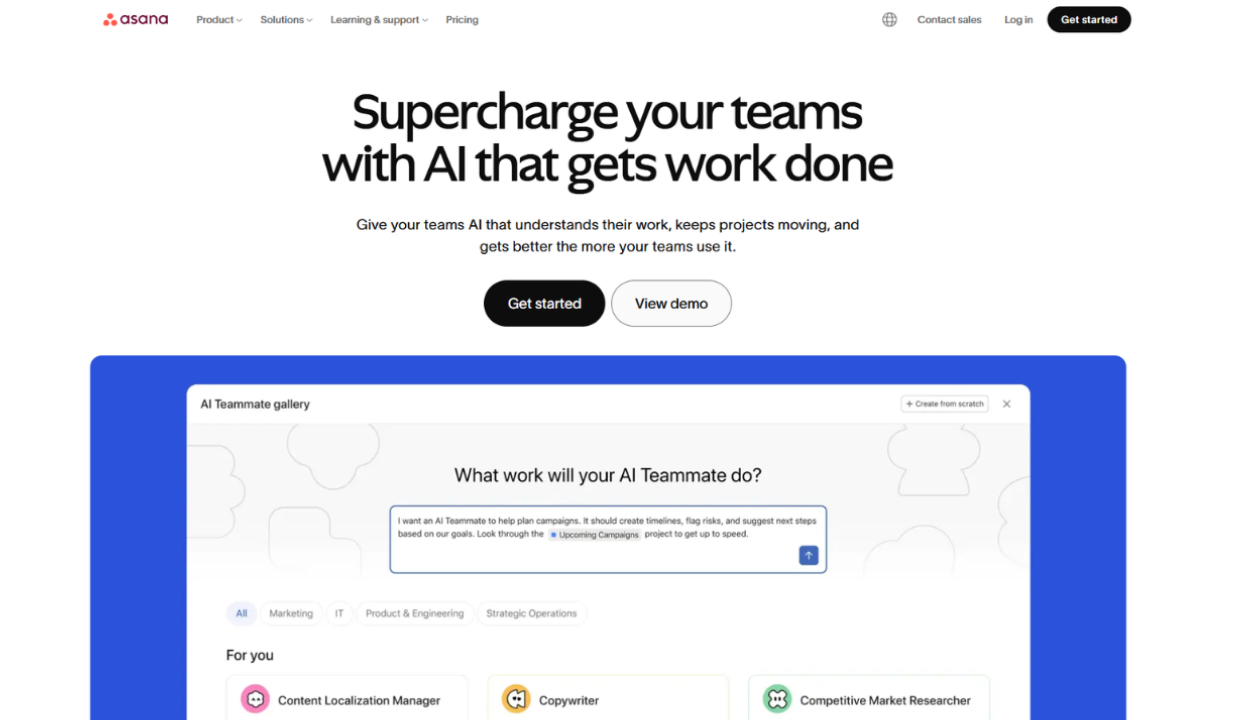
Asana doesn’t try to out-flex Monday.com. It’s a narrower, cleaner tool, and that narrowness is the selling point for teams tired of configuring boards.
Key features for marketing teams:
- Clean UX with low ramp-up time; new hires are typically productive within days, not weeks
- Free plan for up to 10 users
- Timeline and Gantt views for campaign planning and editorial calendars
- Strong template library for campaign briefs, content approvals, and launch checklists
- Asana Intelligence for status summaries and workflow recommendations on paid plans
Where it falls short: No native content calendar or channel/format structure like Monday.com, marketing context is layered on with custom fields. Reporting depth is lighter than Monday.com’s dashboard system.
2026 pricing: Personal $0 (up to 10 users) · Starter $13.49/user/mo · Advanced $30.49/user/mo · Enterprise custom.
G2 rating: 4.4/5
Wrike
Fit Score: 7.8/10
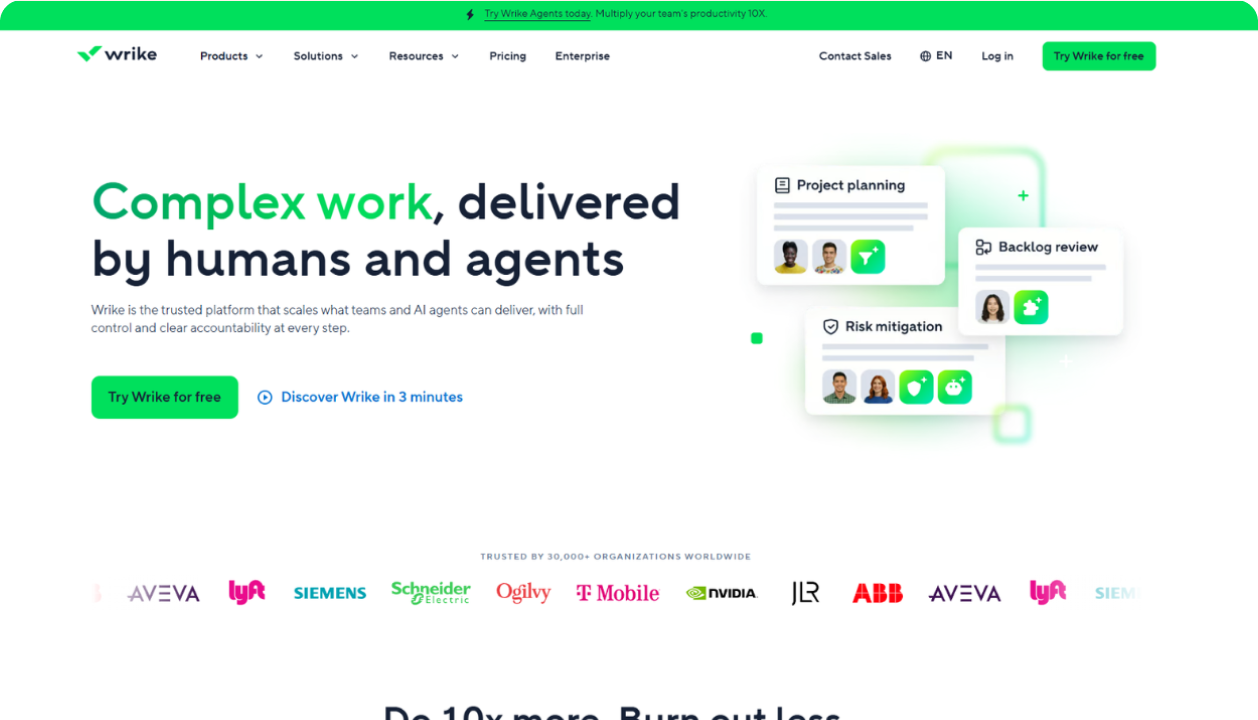
Wrike matches Monday.com on flexibility and goes further on creative workflow, proofing, markup, and approval chains built specifically for creative deliverables.
Key features for marketing teams:
- Wrike Work Intelligence AI for risk prediction, task suggestions, and workload anomaly detection
- Creative proofing and asset review with version control and approval chains
- Advanced resource management with workload balancing and availability forecasting
- External collaborator access without full paid seats
Where it falls short: Pricing scales steeply at higher tiers and is best justified for teams of twenty or more. For smaller marketing teams, the enterprise feature set adds overhead without proportional value.
2026 pricing: Free $0 · Team $10/user/mo · Business $25/user/mo · Pinnacle/Apex custom.
G2 rating: 4.2/5
Teamwork
Fit Score: 7.8/10
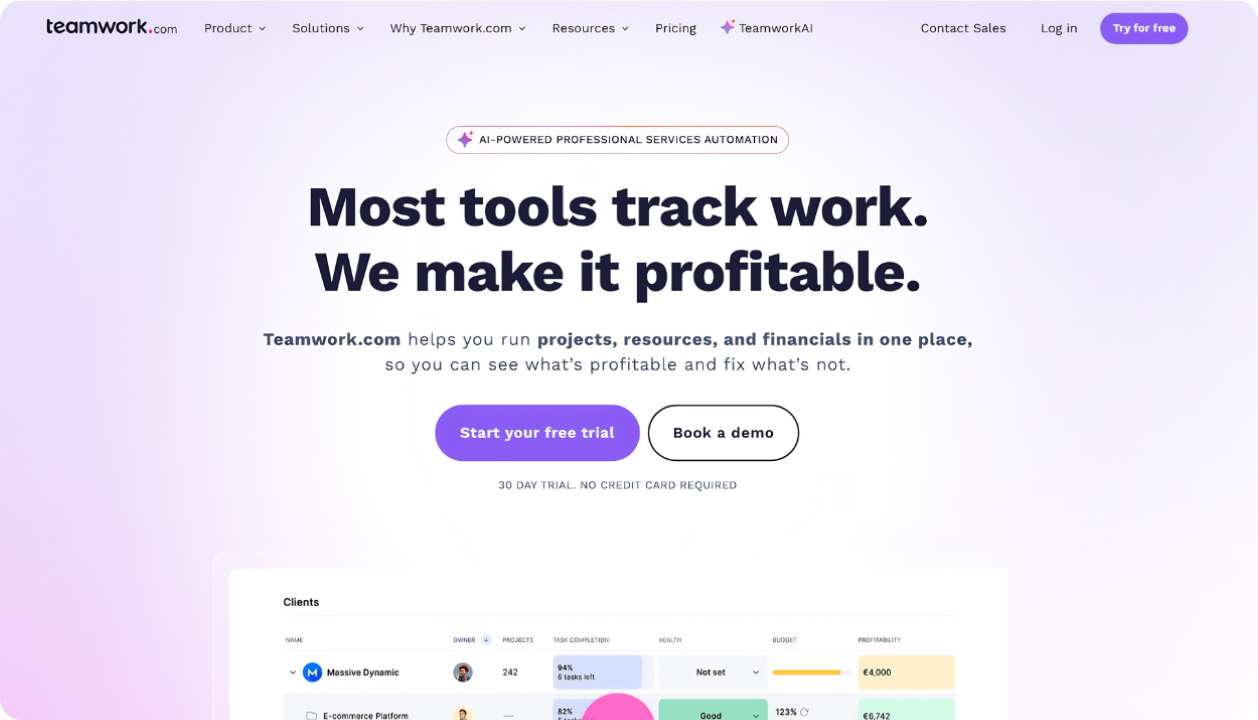
Where Monday.com requires a QuickBooks or Xero integration to bill clients, Teamwork builds invoicing and retainer budget tracking natively, closing the one gap Monday.com leaves most exposed for agencies. This makes it one of the top alternatives to monday.com for agencies.
Key features for marketing teams:
- Native invoicing tied directly to tasks and time logs
- Dedicated client portal, stronger than Monday.com’s WorkDocs for formal approval and sign-off
- Retainer budget tracking with overage alerts
- Native HubSpot and QuickBooks integrations on core plans
Where it falls short: No native content calendar or campaign-channel tagging, marketing teams choosing Teamwork are trading Monday.com’s visual flexibility for financial depth, not gaining marketing-native structure.
2026 pricing: Free $0 (up to 5 users) · Basic $13.99/user/mo · Accelerate $29.99/user/mo · Optimize/Enterprise custom.
G2 rating: 4.4/5
Airtable
Fit Score: 7/10
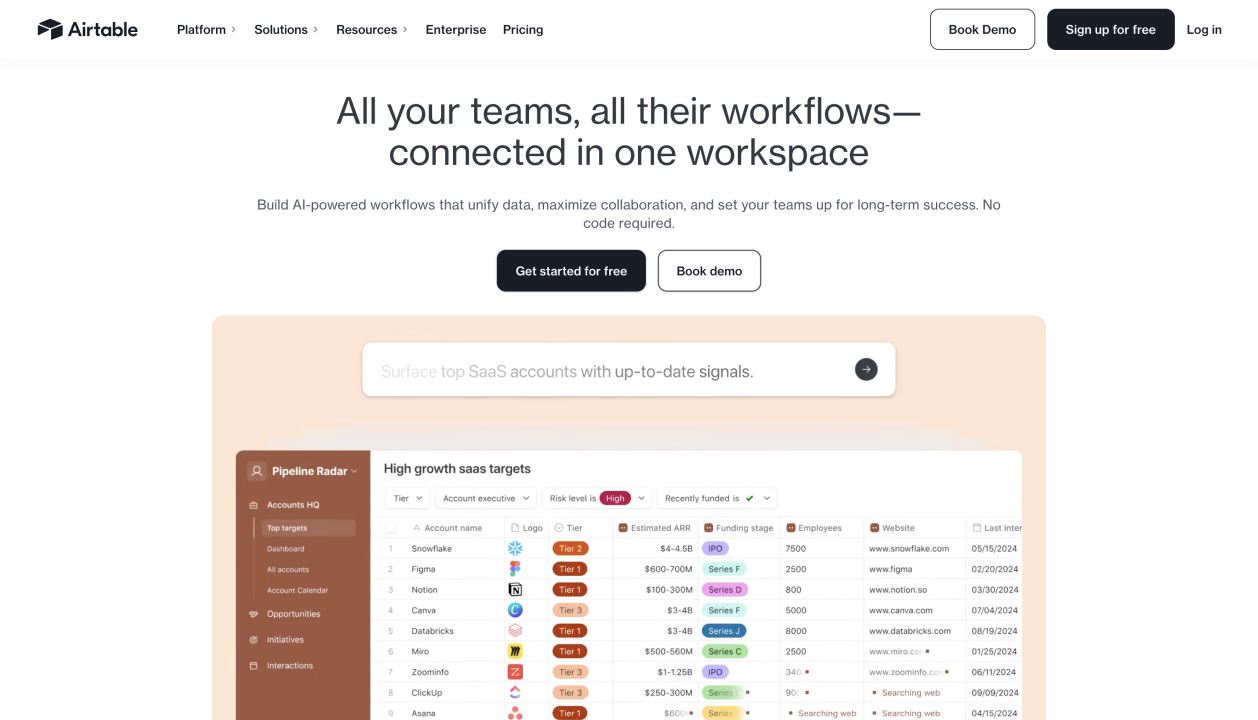
Airtable trades Monday.com’s board-first visual layout for a relational database with a spreadsheet-friendly interface — useful for teams that need to track campaign assets, content metadata, and cross-linked records rather than just task status.
Key features for marketing teams:
- Linked records connect content pieces, campaigns, and channels the way Monday.com’s boards can’t natively
- Automations and AI fields for tagging, categorizing, and summarizing content records
- Flexible views: grid, kanban, calendar, gallery
- Read-only viewers are free and unlimited on every plan
Where it falls short: Client-facing access requires the paid Portals add-on, priced separately per guest. Per-editor billing means anyone touching a record counts as a paid seat, and record limits per base can force an early upgrade for content-heavy teams.
2026 pricing: Free $0 (5 editors) · Team $20/user/mo · Business $45/user/mo · Enterprise Scale custom.
G2 rating: 4.6/5
Notion
Fit Score: 6.8/10
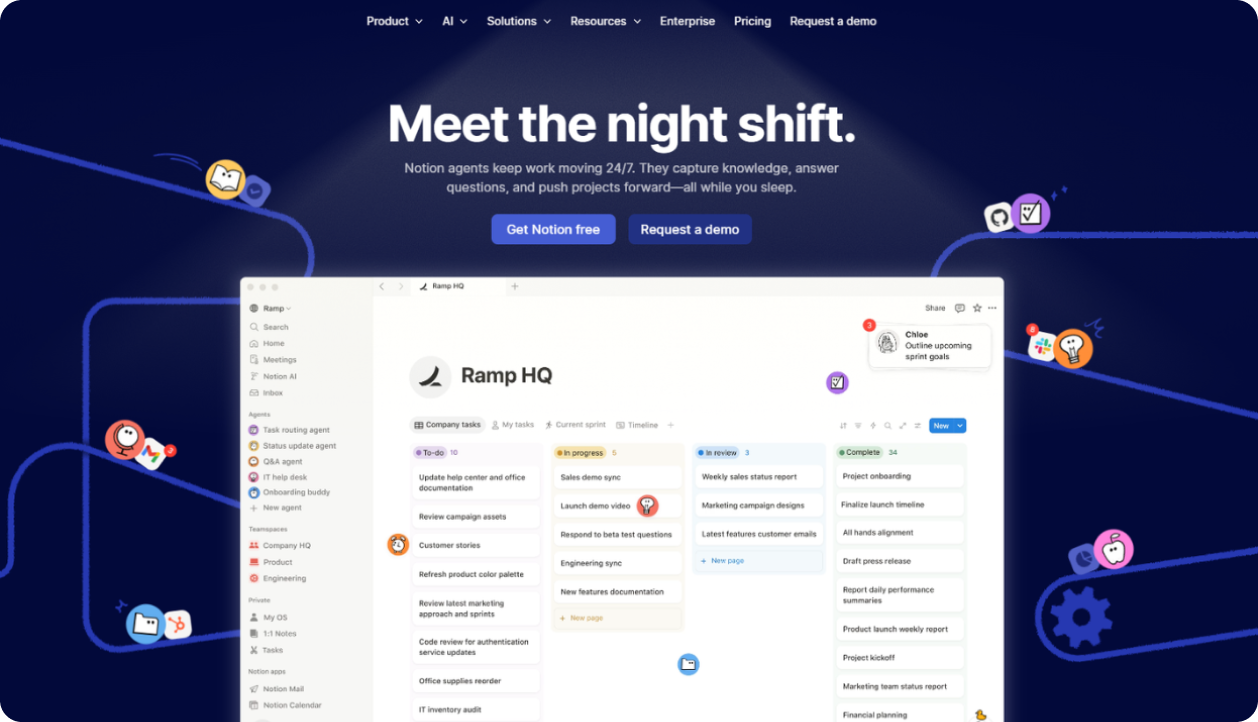
Notion is the most honest inclusion on this list because it isn’t a Monday.com replacement in any complete sense. What it is: a genuinely strong fit for small teams (one to five people) where campaign briefs, brand guidelines, and SOPs matter as much as task tracking.
Key features for marketing teams:
- Notion AI drafts briefs, summarizes notes, and generates structured documents from raw inputs
- Flexible database views adaptable to content tracking and campaign planning
- Wiki-style knowledge base for SOPs and brand guidelines
- Less expensive than Monday.com at any team size
Where it falls short: No native automations comparable to Monday.com’s, no dedicated campaign/channel structure, and limited client-facing access. For teams managing more than a handful of concurrent campaigns, Notion’s lightness becomes a ceiling.
2026 pricing: Free $0 · Plus $12/user/mo · Business $24/user/mo · Enterprise custom.
G2 rating: 4.6/5
Smartsheet
Fit Score: 6.5/10
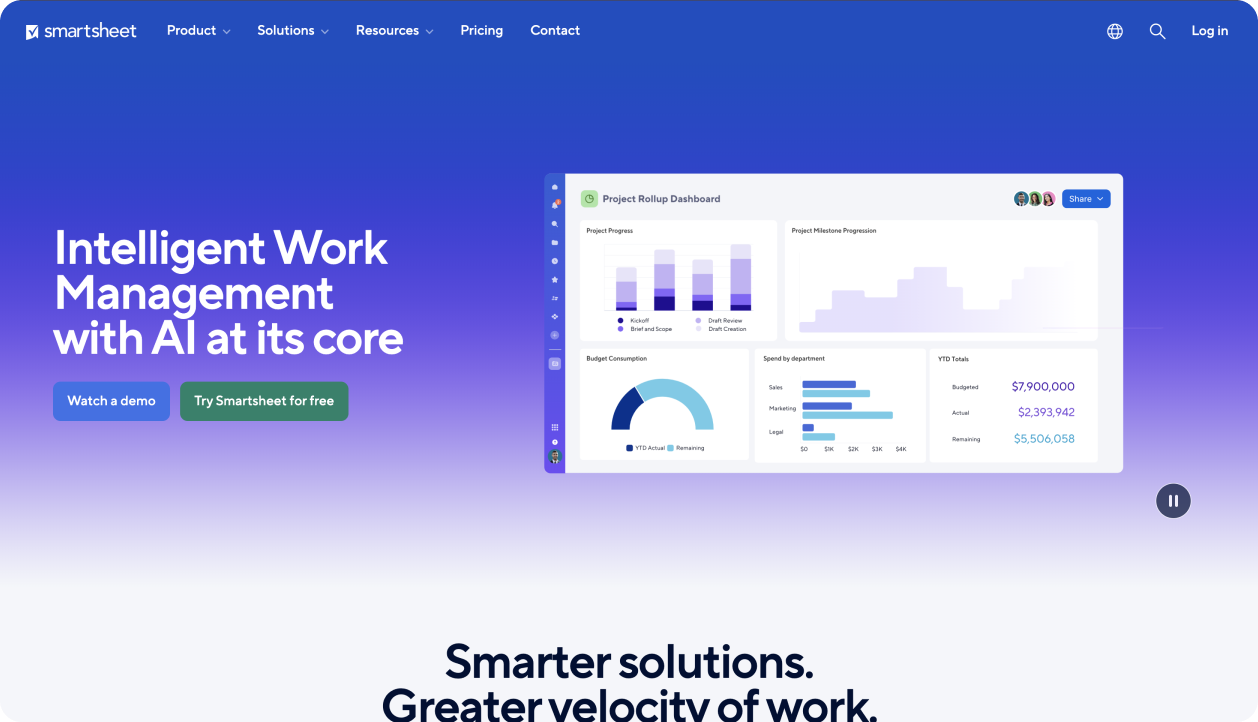
Smartsheet appeals to marketing teams whose stakeholders think in spreadsheets and Gantt charts rather than kanban boards — a different visual language than Monday.com, aimed at teams that report up to finance or operations leadership regularly.
Key features for marketing teams:
- Grid, Gantt, card, and calendar views with strong reporting and dashboard tools
- Resource and workload tracking on Business tier
- Proofing and approval workflows for creative sign-off
- 100+ integrations including Microsoft 365 and Google Workspace
Where it falls short: No content calendar or marketing-native task structure. No free plan. The interface leans utilitarian rather than visual, which teams coming from Monday.com’s colorful boards often find like a step backward in day-to-day usability.
2026 pricing: Pro $9/user/mo · Business $19/user/mo · Enterprise custom.
G2 rating: 4.4/5
Basecamp
Fit Score: 6.5/10
Basecamp solves the one problem Monday.com’s seat-bucket pricing creates: cost predictability. A flat monthly rate covers unlimited users, which matters for teams that expect to grow headcount without their software bill growing alongside it.
Key features for marketing teams:
- $299/month flat rate for unlimited users on Pro Unlimited
- Client sections for sharing updates and files without a formal portal
- Simple, opinionated interface with minimal onboarding overhead
- Predictable total cost regardless of team growth
Where it falls short: No content calendar, no channel/campaign tagging, no automations, and no AI features. Complex, multi-client campaign workflows are not well served by Basecamp’s deliberately limited feature set.
2026 pricing: Free $0 · Plus $15/user/mo · Pro Unlimited $349/mo flat.
G2 rating: 4.1/5
Trello
Fit Score: 6/10
Trello is the simplest tool on this list, and for a team of two or three managing a handful of campaigns, that simplicity is the entire appeal after Monday.com’s configuration overhead.
Key features for marketing teams:
- Clean kanban boards with minimal setup
- Power-Ups extend functionality for calendar view, automation (Butler), and integrations
- Genuinely usable free plan
- Fastest onboarding of any tool on this list
Where it falls short: No native timeline, table, or dashboard view on the Standard plan. No content calendar structure. Marketing teams outgrow Trello quickly once they’re running more than a few campaigns in parallel.
2026 pricing: Free $0 · Standard $5/user/mo · Premium $10/user/mo · Enterprise $17.50/user/mo.
G2 rating: 4.4/5
Monday.com Alternatives: Pricing Comparison (2026)
Ten users is roughly where Monday.com’s seat-bucket pricing starts to bite, a six-person team already pays for ten seats on some plans, and the gap compounds from there.