

When you’re juggling five or six client accounts at once, how do you decide who gets which project gets which employee with high skill level this week? In a marketing agency, I’m sure you’re answering that question every single day. This kind of chaos happens when resource allocation for multiple projects breaks down. McKinsey found that top performers in critical roles can deliver up to 800% more productivity than average performers, so putting the right person on the right client can lead to higher business profitability and longer client retention.
This guide covers what is resource allocation, why it gets harder once you’re managing multiple clients, and the practical strategies that keep your team’s time working for you instead of against you.
What is Resource Allocation?
Resource allocation is how you assign your people, time, budget, and tools to the client work that needs them most. It sounds simple until you’re running six accounts at once and three of them need your best designer this week.
At its core, resource allocation has two parts: the resources you have, and how you distribute them. The goal is to put the right person on the right client work at the right time. To achieve maximum profitability without compromising quality, you have to build a working resource allocation system.
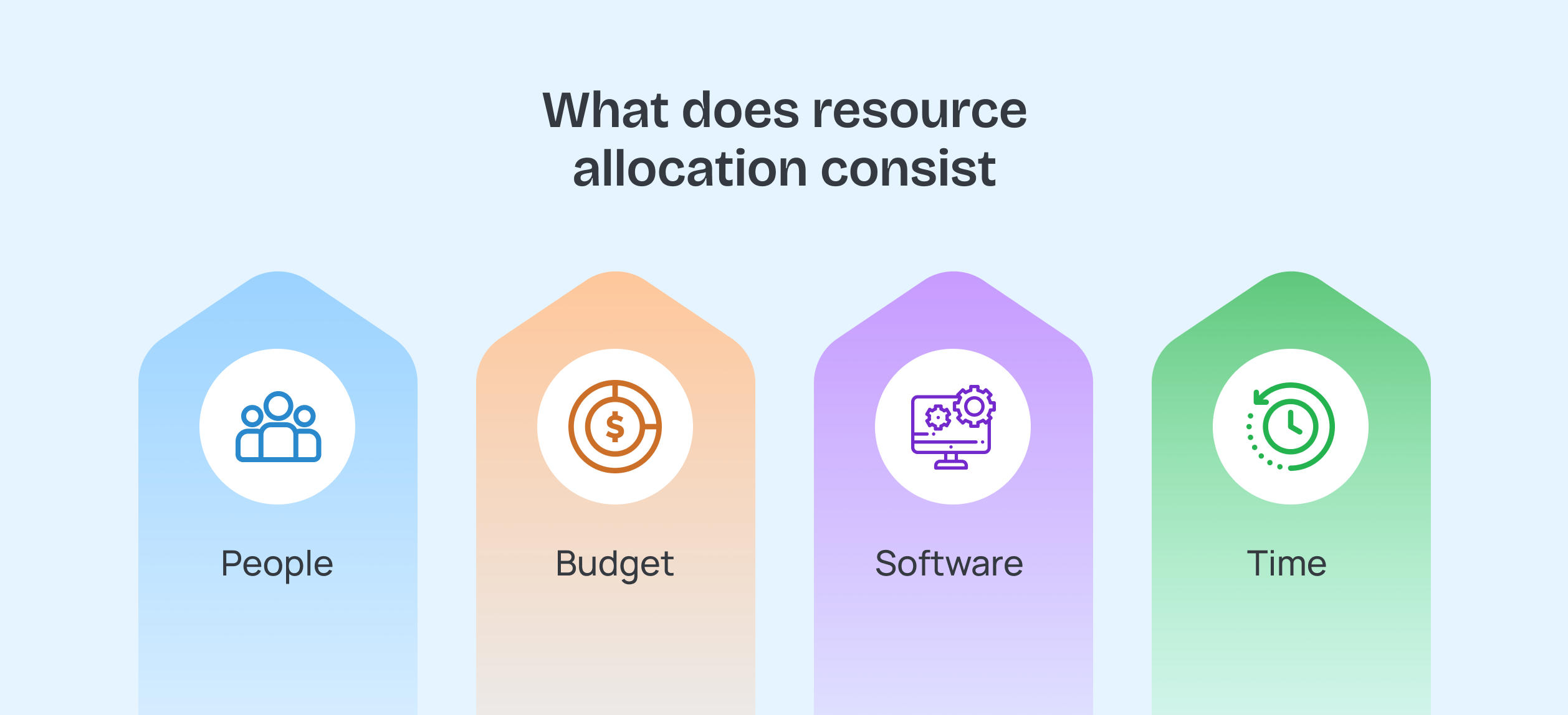
For an agency, resources usually break down into:
- People: Matching skills to the work, like putting your senior strategist on a high-stakes pitch while a junior team member handles routine reporting
- Budget: Splitting spend across client accounts and internal tools, so you’re not overcommitting on one retainer while underfunding another
- Software and tools: Managing seats, subscriptions, and access so every team member has what they need without paying for licenses nobody uses
- Time: The one resource you can’t get back, which is why deadlines and dependencies matter so much when you’re juggling clients
Resource Allocation vs. Resource Planning vs. Capacity Planning
These three terms get used interchangeably, but they’re not the same thing.
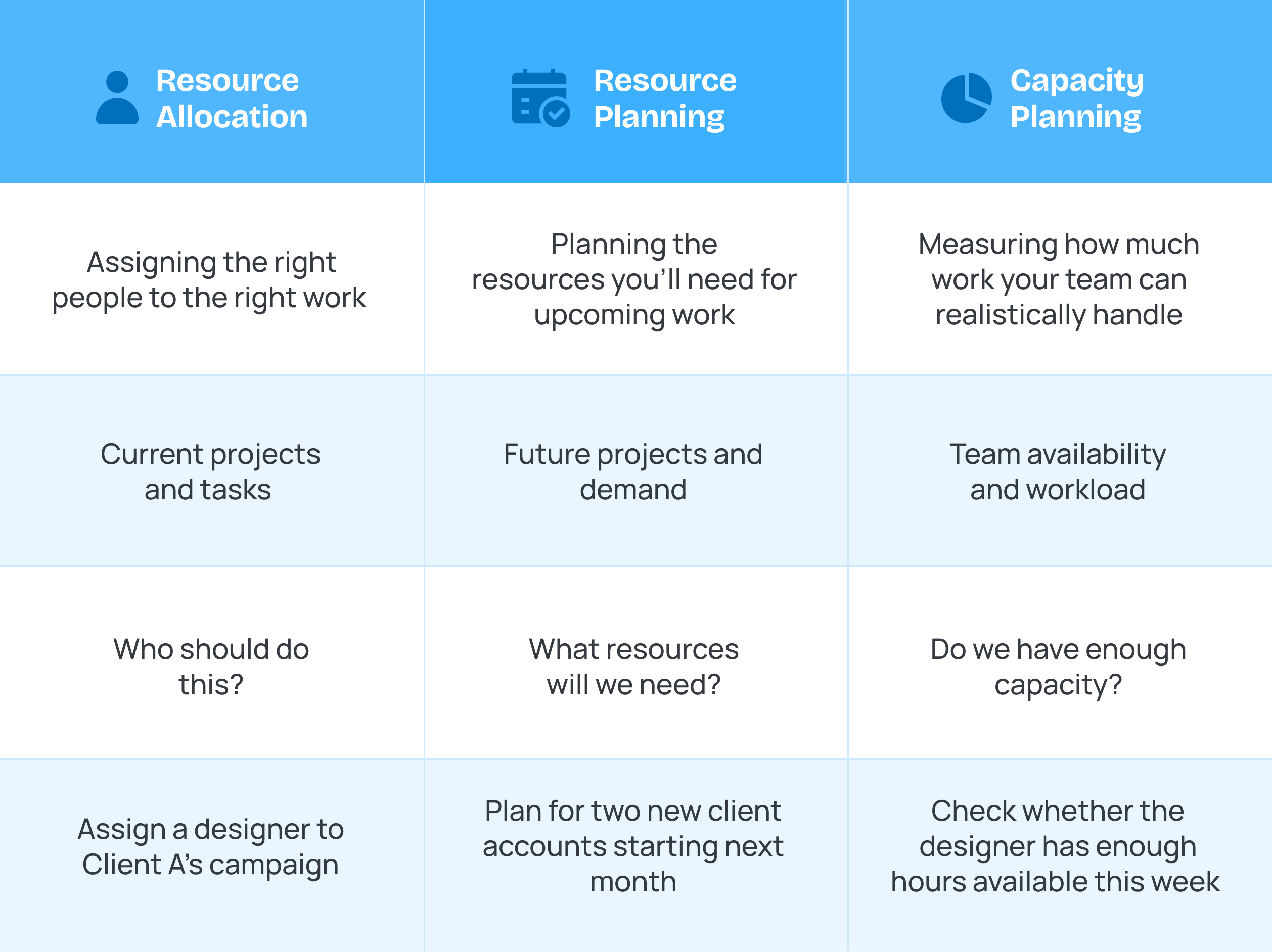
Resource planning is the bigger-picture forecast: deciding what your team will need weeks or months out. This is where resource planning for multiple projects starts, before you ever assign a single task. Say you know two new client contracts are closing next quarter, resource planning is figuring out now whether you’ll need to hire, or hand tasks to someone with a lighter load.
Capacity planning looks at how much work your team can realistically take on, based on the hours they actually have. If your senior designer already has 35 hours booked this week, capacity planning tells you they have five hours left.
Resource allocation in project management is the day-to-day decision of assigning specific people to specific client tasks right now, based on planning and capacity. It’s the moment you decide: this designer’s five open hours go to the client campaign due Friday, not the one due next month.
You need all three working together — resource planning, capacity, and allocation only work when they’re in sync. A great capacity plan means nothing if your daily allocation decisions don’t match it.
Why Allocating Resources Across Clients Hard?
Resource allocation gets harder the moment you add a second client, and it compounds with every account after that. A single-project team has one set of priorities. An agency team has five, ten, or twenty sets of priorities, all competing for the same people at the same time.
McKinsey found that companies spend around three times more on talent than on capital assets, which means your allocation of resources decisions carry more financial weight than most budget conversations in the building. If you get it wrong, you’re misusing your biggest expense.
The Project Management Institute has tracked this problem for years: projects fail more often from resource mismanagement than from bad planning. Agencies feel this acutely because client work rarely arrives on a predictable schedule. Sometimes a new contract closes, a client escalates, a team member goes on leave mid-sprint. Multi project resource management means constantly re-balancing against a moving target, not setting a plan once and walking away.
Factors that Impact Resource Prioritization
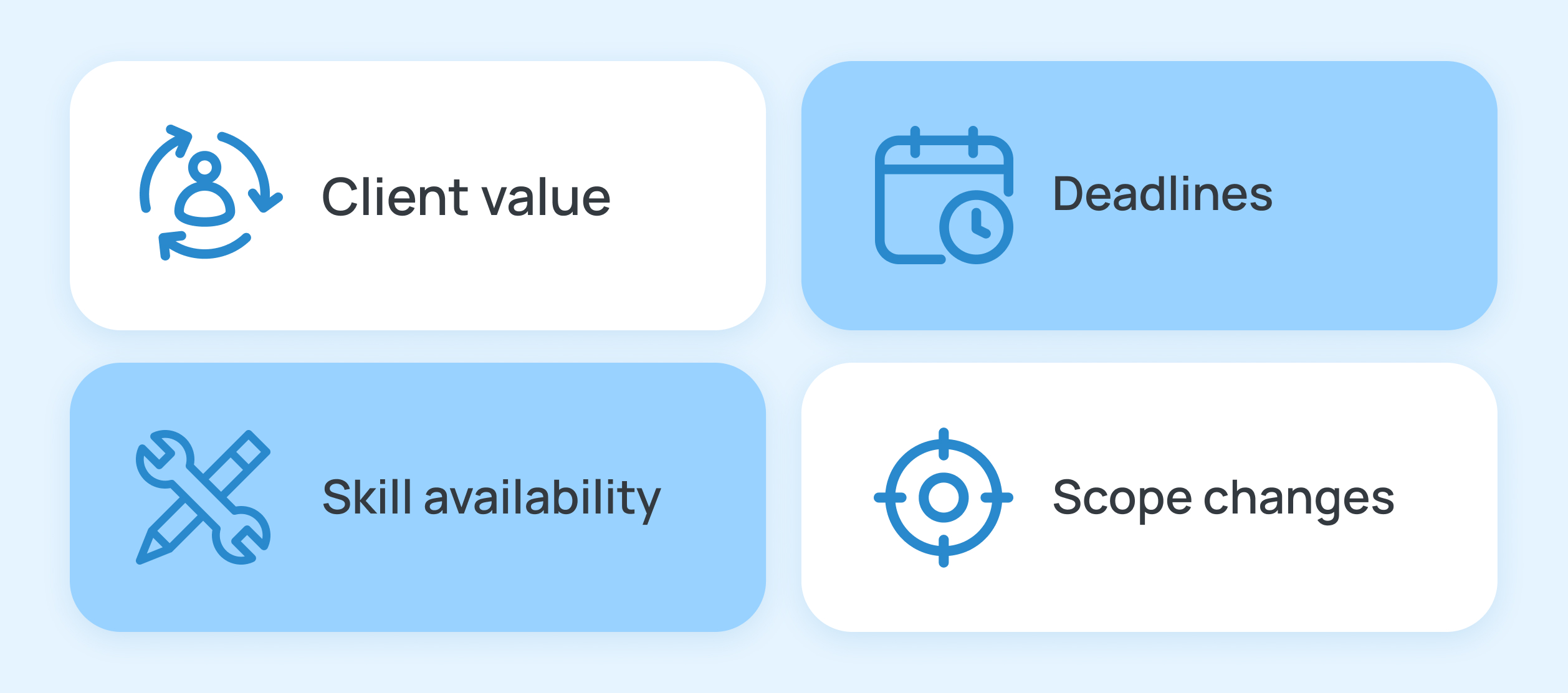
When two clients need the same person on the same day, something has to give. A few factors usually decide what wins:
- Client value: Not every account carries equal weight. A long-term retainer client and a one-off project client don’t always get the same urgency, whether that feels fair or not
- Deadlines: A campaign launching tomorrow outranks a report due next month, even if the report client called first
- Skill availability: Some work only your senior copywriter or your one Python developer can do, which creates bottlenecks no amount of extra headcount fixes
- Scope changes: A client who adds three rounds of revisions mid-project throws off every allocation decision you made at kickoff
None of these factors work in isolation. A high-value client with a tight deadline and a scope change in progress can pull your best person off three other accounts in a single afternoon. This is exactly why resource allocation for agencies needs a system, not a series of one-off judgment calls made under pressure.
How to Allocate Resources Across Client Projects
The strategies below turn resource allocation from guesswork into a repeatable system your whole team can rely on. Each one solves a different piece of the puzzle, but together, they cover the full picture: how much time goes where, how to catch problems early, and how to base decisions on real data instead of gut feel. This is really how to allocate resources in a way that holds up once client demands start piling on.
Percentage-based Allocation for Splitting Time Across Clients

Percentage-based allocation means assigning a set portion of someone’s work week to each client. If your senior designer works with three clients, you might split their week 50% to Client A, 30% to Client B, and 20% to Client C, based on retainer size and current workload.
This works better than task-by-task assignment because it gives everyone, including the team member, a clear picture of where their time is supposed to go before the week even starts. It also makes overcommitment visible immediately. If you try to add a fourth client at 25% to someone already at 100%, the math tells you something has to change before you even ask them to do it.
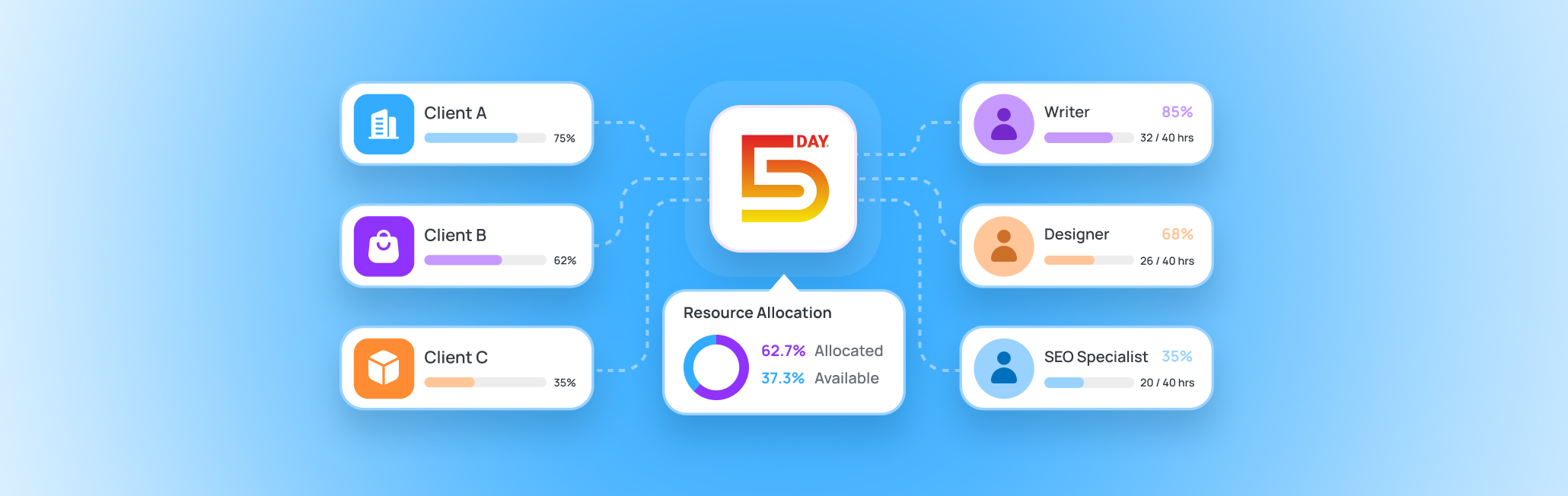
The tricky part is keeping these percentages updated as client needs shift. A static spreadsheet goes stale the moment a client scope changes. This is where a capacity view that updates in real time, like the one in 5day.io, makes a real difference. You’ll be able to track what every resource is working on and their total weekly capacity in based on the billable and non billable time they have clocked in.
How to Spot and Resolve Overallocation Before it Becomes a Crisis
Overallocation happens when someone is assigned more work than their available hours can cover, and it’s often invisible until a deadline is already at risk. The warning signs are usually there earlier than you’d think: someone consistently working late, tasks slipping by a day or two, or a team member saying yes to everything without pushback.
The fix starts with visibility. You need a way to see exactly how much each person has on their plate across every client, not just the one project in front of you. Without this, overallocation gets discovered the same way most agencies discover it, which is a missed deadline and an apology email to a client.
Once you spot it, resolving it usually means one of three things: redistributing tasks to someone with open capacity, pushing a deadline with the client’s knowledge, or bringing in extra support like a freelancer for a short stretch. This is what project resource scheduling comes down to, having enough visibility to choose from all three options instead of finding out with two days left and none of them.
Using Time Tracking Data to Make Allocation Decisions
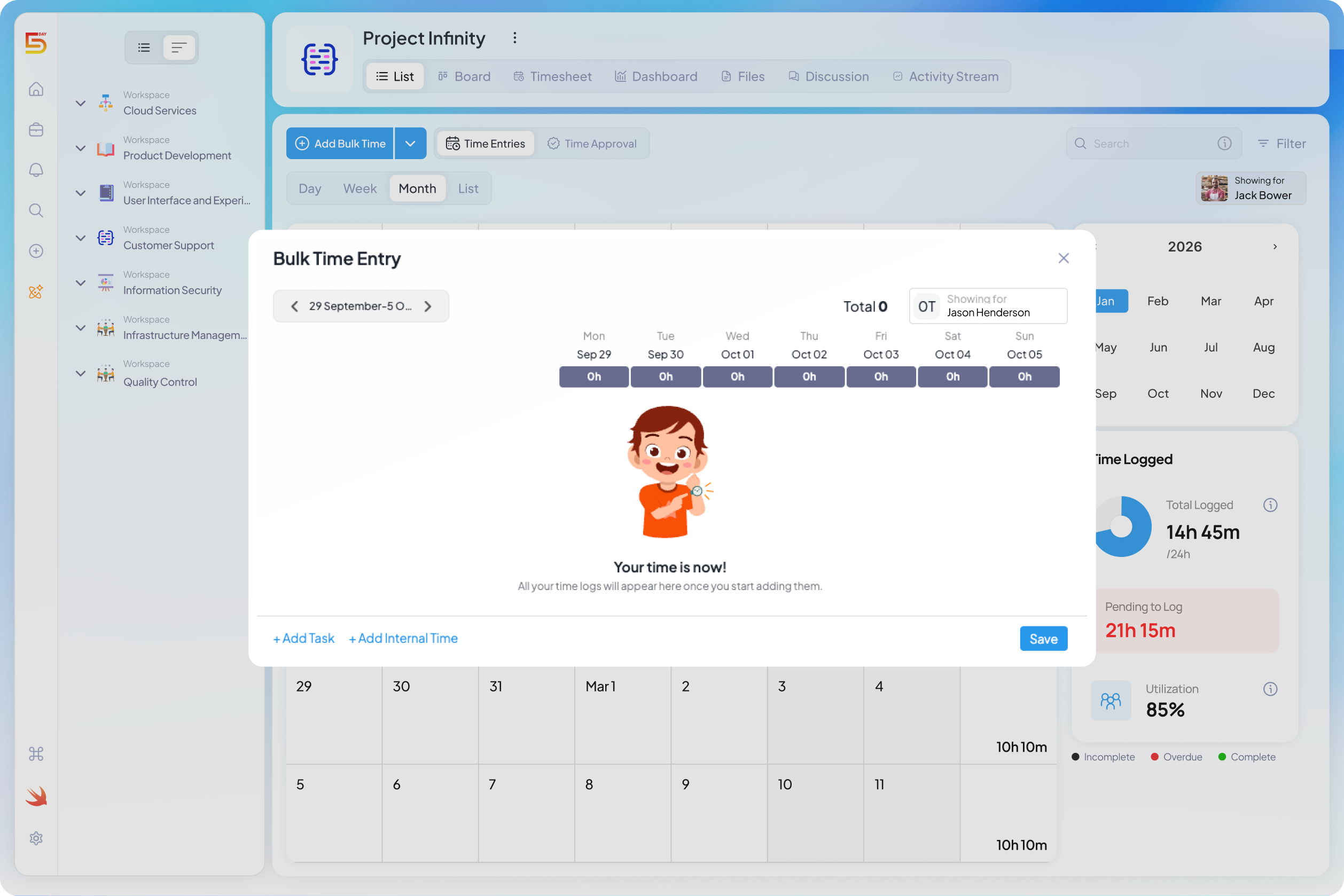
Time tracking data tells you where your team’s hours are actually going, which is often very different from where you assumed they were going. Most agency leads have a mental estimate of how long client work takes. That estimate is usually wrong, sometimes by a lot, because it’s based on how long the work should take rather than how long it actually takes once emails, revisions, and internal meetings are factored in.
This matters directly for resource allocation in project management. If you’re assigning people’s time based on outdated assumptions, you’re allocating against a picture that doesn’t match reality. A client you think takes ten hours a week might take fifteen once you track it, which means every other allocation decision built on that ten-hour estimate is already off.
5day.io’s time tracking feature closes this gap by showing actual hours logged per client, per person, over time. Instead of guessing whether a client project is properly staffed, you can look at real data and know for certain. This turns your next project management resource allocation decision from an educated guess into a fact-based call.
Resource Allocation Example
Here’s what this looks like together. Say your agency has one senior copywriter working across three retainer clients: a SaaS company, a healthcare client, and a local retail chain.
Using percentage-based allocation, you split her week: 40% to the SaaS client, who has the highest retainer value and a product launch coming up, 35% to the healthcare client, who needs steady weekly output, and 25% to the retail client, whose workload is lighter this quarter. That’s her full week accounted for, visible to her and to you.
Two weeks in, time tracking data shows the healthcare client is consuming 45% of her time, not 35%, because of an unexpected round of compliance-related revisions. Because you’re tracking this in real time rather than finding out at the end of the month, you catch the overallocation early. You can now make an informed call: push a lower-priority retail task by two days, or bring in a second writer for the compliance revisions. Either way, you’re deciding from data, not discovering the problem after a deadline’s already missed. This is a resource allocation example of a system working exactly as it should.
Common Resource Allocation Mistakes Agencies Make
Even the best teams struggle with resource allocation when they rely on assumptions instead of visibility. This is often where client project resource management breaks down first — not from a lack of effort, but from a handful of repeatable mistakes that quietly compound over time. Once you know what to watch for, most of these are easier to catch than you’d expect.
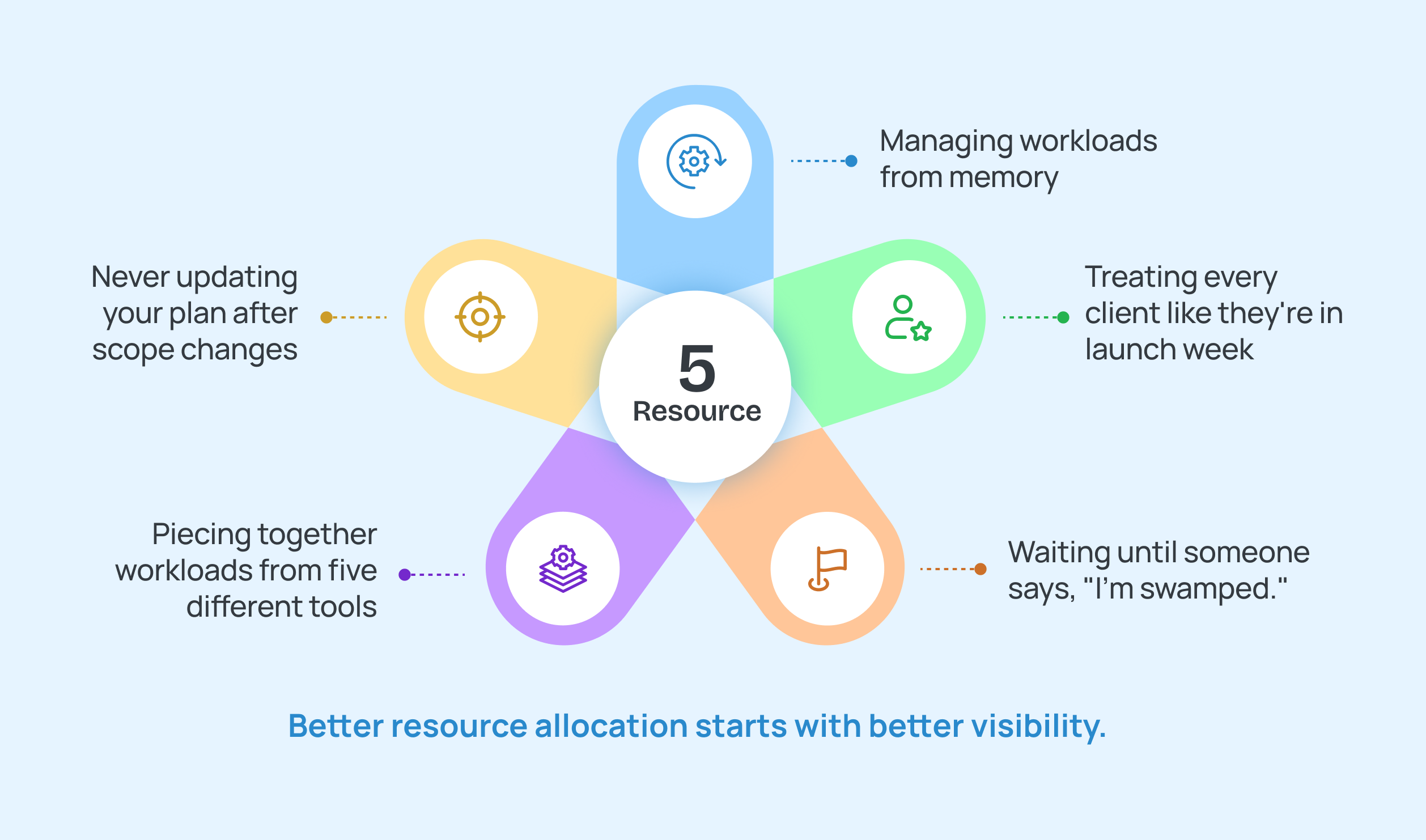
Here’s what to look out for:
Relying on Memory Instead of a System
Many agency leads still allocate resources based on what they remember about who’s busy, and memory is a bad system for this. You might recall that someone was slammed last week, but not that they picked up two new tasks yesterday. Small gaps like this add up, and by the time you notice, someone’s already three tasks over capacity.
How to avoid it
- Keep resource allocations in a shared, centralized workspace
- Review workloads regularly instead of relying on memory
- Give project managers real-time visibility into team capacity before assigning new work
Treating Every Client the Same
Not every client needs the same level of attention, and allocating as if they do wastes your best people on low-priority work. A retainer client going through a quiet month doesn’t need the same urgency as a client mid-launch. Splitting time evenly across all clients, regardless of what’s happening with each one, means someone’s top priority is quietly underserved while a quieter account gets more attention than it needs.
How to avoid it
- Prioritize work based on business impact, deadlines, and dependencies
- Revisit priorities weekly instead of only during planning
- Communicate trade-offs with clients before workloads become unmanageable
Switching Between Too Many Disconnected Tools
When your time tracking lives in one tool, your task list in another, and your client communication in a third, no single view ever shows you the full picture. This is one of the most common root causes behind agency overwhelm. You end up piecing together someone’s workload from four different tabs, and by the time you’ve done that, the moment to act has usually passed.
How to avoid it:
- Project plans stored in one tool and conversations in another
- Time tracking disconnected from project planning
- Managers manually combining information from different platforms
- Team members switching between multiple tabs to understand priorities
Ignoring Early Signs of Overallocation
Waiting for a missed deadline to notice someone is overloaded means you’ve already lost the chance to fix it quietly. Small signs, like a team member working late a few nights in a row or pushing back a task by a day “just this once,” are usually the first warning. Agencies that treat these as noise instead of signal end up managing crises instead of preventing them.
How to fix it
- Review team capacity at least once a week
- Monitor workloads instead of waiting for someone to raise a concern
- Redistribute work before deadlines begin slipping
- Balance workloads across the team rather than relying on a few specialists
Not Adjusting for Scope Creep
A project’s resource needs on day one rarely match what it needs by week three, and treating the original plan as fixed is a common trap. A client asking for “just one more round” of revisions seems small in isolation, but it pulls hours from somewhere else on your team’s plate. If your allocation plan doesn’t account for scope changes, you’re working from a plan that stopped being accurate weeks ago.
How to avoid it:
- Revisit resource allocations whenever project scope changes
- Adjust timelines or redistribute work before accepting additional requests
- Update capacity plans after new deliverables are approved
- Review the impact of scope changes across every active client project
Key Takeaways
Every strategy in this guide comes down to the same idea: resource allocation works when you can see what’s happening in real time, not when you’re reconstructing it after something’s already gone wrong. Percentage-based splits give your team clarity, time tracking data replaces guessing with facts, and catching overallocation early means you get to choose the fix instead of scrambling for one. This is how to manage resources across multiple projects without it turning into a full-time job on top of your actual work.
Here’s the one thing worth adding before you go: none of this needs to be complicated to work. The agencies that manage resource allocation for multiple projects well aren’t the ones with the fanciest process, they’re the ones who check in on workload consistently enough that surprises stop happening. Consistency beats complexity every time.
If you’re still piecing this together across spreadsheets, 5day.io brings your capacity views, time tracking, and task assignments into one place, so you always know who has room for more and who’s already stretched thin.
Better resource allocation starts with better visibility. Try 5day.io for free and keep every project moving without burning out your team.